
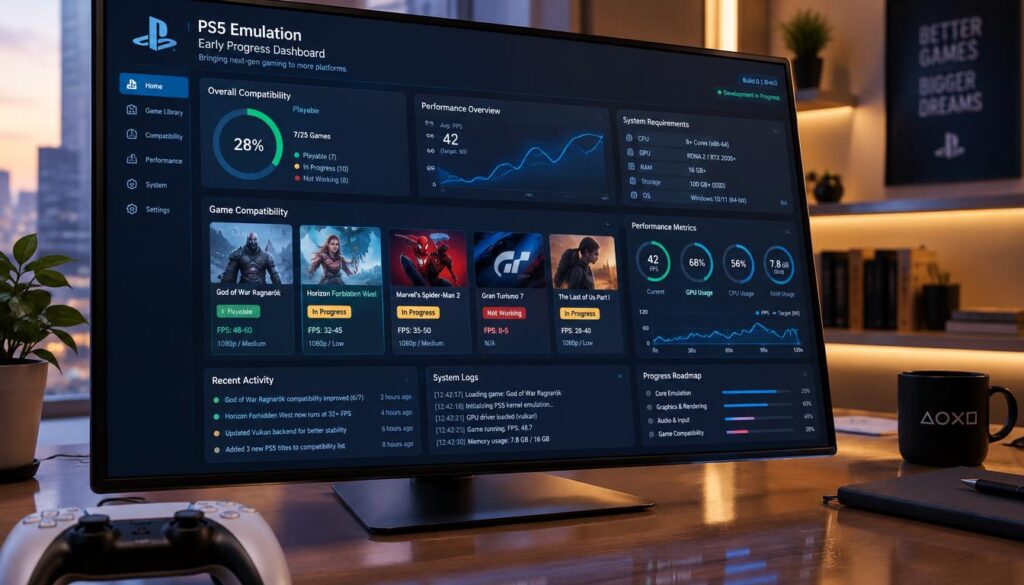
New projects have stirred excitement about PS5 games on PC, but a compatibility list is not a playable library. In 2026, visible technical progress still has not made PC access dependable across many titles.
We will separate brief startup demonstrations from sustained gameplay and explain how conventional emulators differ from AnyPS5. A relinker is a tool that rewrites an executable and redirects its system-library calls so a host operating system can load it. We will also show how to judge compatibility claims and avoid unsafe downloads. A small 2D game reaching gameplay does not prove demanding 3D games work.
Key Takeaways
- A few projects run selected software to different stages.
- Booting does not mean a game is playable.
- AnyPS5 rewrites game code rather than modeling the console.
- Compatibility depends on each title, build, and PC setup.
- Check current project notes before testing a game.
Before looking at the current projects, we will give a grounded view of what their reported milestones mean.
PS5 Emulation in 2026: What Games Can You Play and How Does It Work?
PC players cannot yet count on a broad, dependable PS5 game library. Experimental projects run selected software to different stages, but no project offers reliable access to many games.
A game can boot, reach a menu, or run briefly without being playable from start to finish. That gap matters more than a project’s download count or a single successful screen.
A boot is evidence of startup progress, not proof of a dependable game library.
Conventional emulation models parts of the console’s behavior while a game runs. AnyPS5 takes another path: it rewrites an executable and redirects system calls.
An official PC port is different from both. The game’s developer or publisher makes that version for the PC platform, rather than relying on experimental translation.
These differences shape what each result can tell us. A menu on one project does not confirm that another method, build, or game will work.
We will first separate emulation, relinking, and official porting, then look at what each approach must do.
How Is a PS5 Emulator Different From a Game Port?
There are two routes from a console game to a PC: one makes the PC imitate the console, while the other adapts game code. Neither route is the same as an official PC port.
A conventional emulator imitates console behavior as the game runs. Relinking rewrites an executable and redirects calls to system libraries that the host can use.
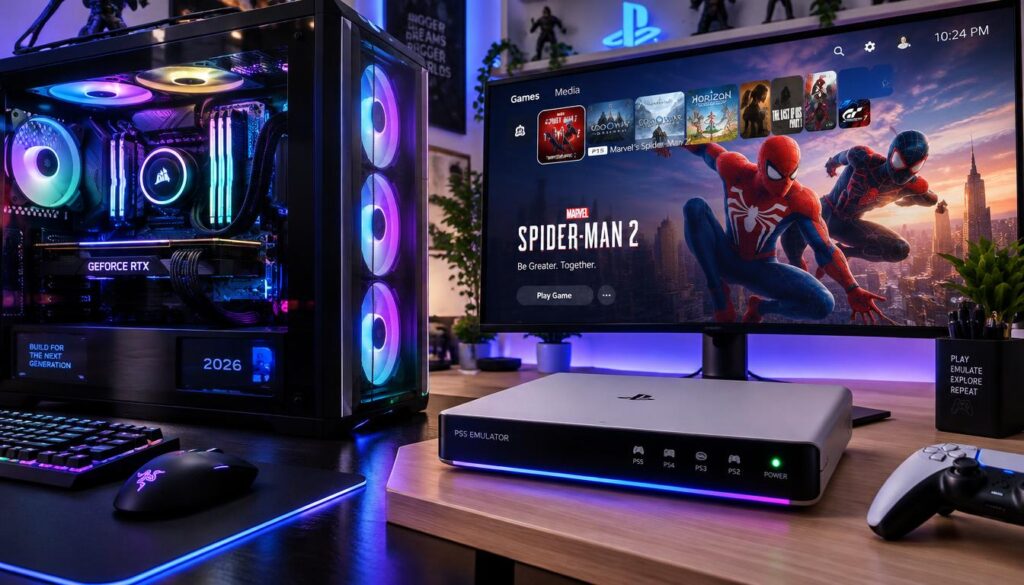
What a conventional emulator does
An emulator is software that models the behavior a console game expects. The game runs while the emulator handles its requests.
Those requests may involve graphics, sound, input, memory, or system services. The emulator must answer them in ways the title can accept.
That does not mean the PC becomes a PS5. It means software tries to reproduce enough of the console’s behavior for a specific game.
How relinking differs from an official port
A relinker changes the executable before runtime. It redirects system-library calls so the host operating system can load and run the rewritten program.
An official port is made for PC by the game’s developer or publisher. Its software is designed for that platform, rather than translated by a separate tool.
Calling every PS5-to-PC tool an emulator hides these key differences. It can make a relinker seem like a console simulator, or an experimental build seem like a finished port.
These broad approaches lead to different engineering tasks. Conventional emulators must reproduce the hardware and software behavior games rely on.
How Does Conventional PS5 Emulation Work?
A conventional emulator can run a game only when its PC-side software answers the console-specific requests the game makes. Each request must get a useful response.
The emulator must reproduce the behavior a game depends on, not simply match the console’s parts. That includes processor operations, system services, graphics commands, memory, audio, and input.
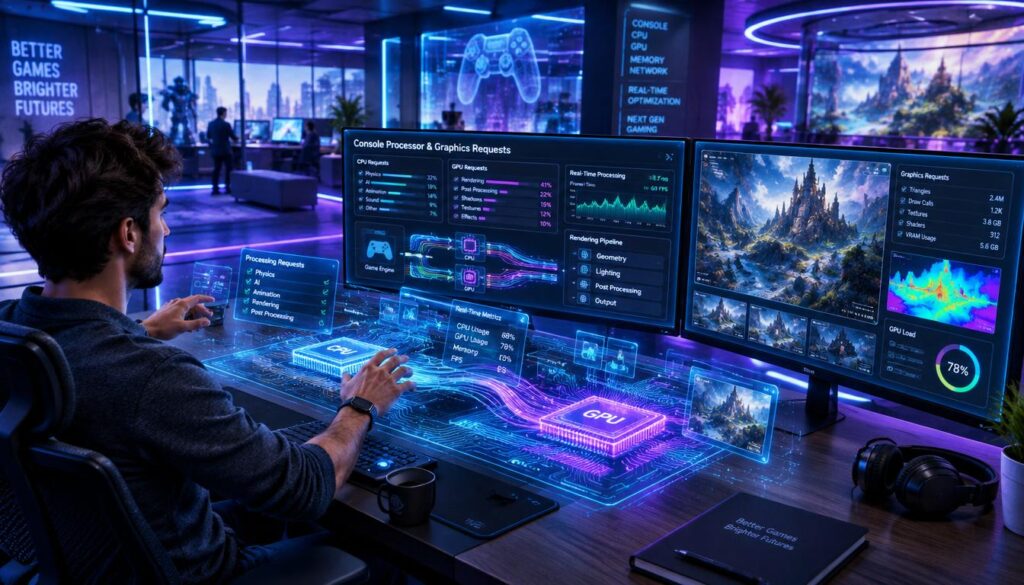
The PS5 uses an AMD Zen 2 x86-64 processor and AMD RDNA 2 graphics hardware. Those parts share important traits with PC hardware.
That overlap can help, but it does not remove the hard work. Console games also rely on proprietary software interfaces and behavior tied to each title.
A processor may handle similar instruction types on both systems, while software services still differ. The emulator must bridge those gaps during play.
Graphics pose another challenge. A game sends commands for the console’s graphics system, and the emulator must turn them into work the PC can perform.
Memory, sound, and input need their own answers too. A title may fail even after its graphics appear if another system task remains unsupported.
The task is not a simple hardware swap. Projects take different routes through this engineering challenge, which makes their design and maturity worth comparing.
Which PS5 Emulator Projects Are Active?
The current PS5 emulator scene includes two newly public projects and one older research effort. Their aims overlap, but their histories and scope differ.
GitHub stars and forks show interest in a repository, not how many games work. These counts are a dated snapshot from July 21, 2026.
| Project | Language | Scope | July 2026 GitHub snapshot |
|---|---|---|---|
| SharpEmu | C# | PS5 | 3,818 stars; 309 forks |
| KytyPS5 | C++ | PS5 | 731 stars; 69 forks |
| RPCSX | Code derived from RPCS3 | PS4 and PS5 research | 1,923 stars; 127 forks |
SharpEmu’s Windows-first approach
SharpEmu’s first public release came on July 15, 2026. The project is written in C# and focuses on PS5 emulation.
Its July 2026 compatibility snapshot listed Windows as its only supported operating system, with Linux support planned. Readers should find builds through the official project repository.
KytyPS5’s rewritten project
KytyPS5 published its source code on July 16, 2026. It is written in C++ and also focused on PS5 at that snapshot.
The project supported Windows, while Linux support remained planned. Its release notes and repository offer better context than third-party download pages.
RPCSX’s PS4 and PS5 research scope
RPCSX’s repository dates to June 22, 2023, and its codebase derives from RPCS3. Its scope includes research on both PS4 and PS5.
Each repository reflects a different stage and purpose. Stars and forks can change, but they do not establish compatibility or sustained gameplay.
The practical question is what the games actually do when these builds run them.
Which Games Actually Run on a PS5 Emulator?
Reaching a screen is not the same as playing through a game. Booting means startup begins but does not reach sustained gameplay; in-game means play works with possible limits.
A frame, splash screen, or brief run does not establish stable compatibility. We should judge each result by the stage it reaches.
| Title | Project | Demonstrated stage | What that stage establishes |
|---|---|---|---|
| Dreaming Sarah | AnyPS5 | Brief reported gameplay | Limited success, not a full-library test |
| Demon’s Souls Remake | SharpEmu | Initial rendered frame | Graphics output without sustained play |
| Astro Bot | SharpEmu | Booting | Startup progress, not gameplay |
| Ghost of Yotei | SharpEmu | Splash screen, then crash | Startup progress without a playable result |
Booting, menus, and playable gameplay are different milestones
A boot may stop at a logo or crash before a menu. A menu proves that more of the startup path works, but it does not prove gameplay.
A title described as in-game has reached gameplay, yet it may still have severe limits. Reliable play requires more than a short demonstration.
The Ars Technica report on PS5 emulator progress describes project results as snapshots, not proof of broad support.
What early PS5 emulator playable games show
Reported examples show progress in small steps, not a ready replacement for a console. Other distinct demonstrations include:
- SharpEmu rendered textures correctly in Dreaming Sarah.
- SharpEmu loaded Poppy Playtime Chapter 1 and Silent Hill: The Short Message.
- SharpEmu reached an initial rendered frame in Demon’s Souls Remake.
- A Windows build of Dead Cells converted from PS5 code was reported in late September 2026.
AnyPS5’s verified list includes Dreaming Sarah, reported at 60 fps on a GTX 1050 Ti and an i5-7500. A separate demonstration logged a crash around frame 168.
That frame-rate report is not a universal performance promise. The separate crash shows why a brief result cannot speak for every run or configuration.
KytyPS5’s specific compatibility claims include both menu-level results and reports of gameplay.
What Does the Kyty PS5 Compatibility List Show?
A game that reaches a menu has not shown the same progress as one with functional gameplay. The labels on the Kyty PS5 compatibility list describe different outcomes.
Check each title’s exact stage and hardware notes before treating it as supported. Results from one setup do not establish general, reliable support.
Kyty PS5 supported games by milestone
Grand Theft Auto V’s PS5 remaster reaches its loading screen, main menu, and settings navigation. Silent Hill: The Short Message reaches its menu.
Those results show that portions of each title work, not that players can complete them. PowerWash Simulator and Pac-Man World have been described as playable with functional gameplay.
Quake II Remastered has also been reported as fully playable. That wording is stronger, but it still applies to a reported result, not every PC setup.
Why hardware and title-specific results matter
KytyPS5 has been developed and tested mainly on NVIDIA graphics hardware. Reports describe added visual glitches on AMD and Intel GPUs.
That makes the test hardware important when we read a compatibility list. A result on one graphics card may not carry over to another vendor’s card.
Menu access, in-game reports, and full-play claims should remain separate. The exact build and configuration help explain what a label means.
AnyPS5 uses a different method from KytyPS5’s conventional emulation approach.
Is AnyPS5 a PS5 Emulator or a Relinker?
AnyPS5 takes a different route from a conventional emulator: it tries to adapt the game executable for the host operating system. It is a relinker, not a whole-console simulator.
AnyPS5 rewrites code ahead of runtime and replaces calls to PS5 system libraries. Its current verified game list remains narrow.
How AnyPS5 rewrites an executable
The tool converts a supplied PS5 executable into a Linux ELF or Windows PE program. It changes the executable before launch rather than simulating the console throughout gameplay.
The PS5 and most gaming PCs use the x86-64 instruction family. That shared base gives AnyPS5 an opening, but it does not solve the operating-system differences.
In practical terms, AnyPS5 should be classified as a relinker. Calling it a conventional emulator would suggest it models the PS5 hardware as a whole.
How its system-library replacements work
Games call system libraries to request services from their platform. AnyPS5 redirects those calls to replacement libraries that can run on the host.
Its shader recompiler emits SPIR-V, an intermediate format used with Vulkan graphics. That work addresses graphics translation, but does not make every game feature available.
The executable, system libraries, and graphics path all need to line up. Shared processor instructions alone cannot make a console program behave like native PC software.
What the method can and cannot establish
The project’s README lists Dreaming Sarah as its verified title. That narrow result does not show that large 3D games can run well.
A verified 2D title establishes that one path works under stated conditions. It cannot prove that other games, graphics features, or host systems will work.
A different route does not guarantee acceptable performance. That brings us to what PC hardware results can and cannot tell us.
What PC Hardware Do You Need?
There is no dependable one-size-fits-all PC specification for current PS5 projects. Requirements vary by project, game, graphics path, and implemented features.
A result from a light 2D game cannot set the requirements for a demanding 3D title. The workloads differ too much.
A powerful processor may help with some parts of emulation, while the graphics card must handle the game’s visual workload. The balance depends on the title and the project.
Relinking can reduce CPU translation overhead, but it does not reduce a game’s GPU workload. Rendering detailed scenes still asks the graphics hardware to do substantial work.
Available support matters as much as raw speed. A fast PC cannot fix a missing system feature or unsupported graphics operation.
Linux output alone does not prove that a game suits a Steam Deck. That device has its own hardware limits, and a Linux executable only describes its format.
Since projects and titles differ, we should not treat one successful PC configuration as a universal minimum. Platform support and output format are the next details to check.
Where Can You Get PS5 Emulator Builds Safely?
An emulator download site offering a game bundle is a reason to leave the page, not a shortcut. Use the official repository for a project’s own releases and code.
A third-party page asking for payment or a survey to unlock a bundle is not a legitimate project release. Do not use it to obtain game files.
Use the project’s official repository
SharpEmu, KytyPS5, and RPCSX publish project information through their official repositories. Check release notes and repository details rather than searching for bundled packages.
A request for a Kyty PS5 game download should not be read as an offer to download copyrighted game files. Project code and commercial game files are different things.
Our site terms and conditions explain that third-party websites operate outside our control. That is another reason to check who runs a page before using it.
Check the operating system and output format
Support differed by project in the July 2026 snapshots. The table shows the practical distinction between Windows builds and AnyPS5 output formats.
| Project | Windows status | Linux status or output | Practical distinction |
|---|---|---|---|
| SharpEmu | Available in July 2026 snapshot | Linux support planned | Windows-only at that snapshot |
| KytyPS5 | Available in July 2026 snapshot | Linux support planned | Windows-only at that snapshot |
| AnyPS5 | Windows PE output | Linux ELF output | Output depends on selected build option |
A Windows build and a Linux ELF are different output formats. Confirm that a release matches the operating system you plan to use.
Finding a legitimate build does not mean a game will reach gameplay. A valid file can still fail when the software reaches unsupported work.
Why Do Games Crash or Run Slowly?
A game can render a frame and still crash when it reaches an unsupported operation. One working step does not mean every later step will work.
Graphics translation is only one challenge; missing system calls or game-specific behavior can also stop execution.
Graphics translation adds difficult compatibility work
AnyPS5’s shader recompiler turns RDNA graphics instructions into SPIR-V for Vulkan. Its pipeline has five stages, and each stage handles a different part of that task.
| Pipeline stage | Operation | Why it matters |
|---|---|---|
| Decoder | Reads RDNA instructions | The shader must be understood |
| Control flow | Builds structured control flow | Branches and loops must translate |
| Translation | Creates an intermediate representation | Console instructions must be converted |
| Optimization | Handles SSA form and resources | Resources and bindings must map |
| SPIR-V backend | Emits SPIR-V | Vulkan needs usable translated shaders |
The tool caches compiled shader variants, so it can reuse work. A cache cannot solve a shader pattern the recompiler does not understand.
Missing system functions can stop a title
AnyPS5’s technical-debt notes list unsupported barycentric VGPR loading without a Vulkan extension. They also list unimplemented SET_CONFIG_REG packets.
Some shader-loop patterns throw errors. The project’s documented rule is to throw an exception for unsupported behavior rather than silently continue.
Missing system calls or command packets can stop a title even when graphics work begins. These limits explain why a frame-rate claim cannot stand in for broad support.
We need to read compatibility labels and technical notes, not just the word compatible.
How Should You Read a Compatibility List?
Check what happened in the game, not just whether its title appears in a list. The result’s stage tells us far more than a single label.
A menu result does not establish broad library coverage. Compatibility can also change between project releases.
Use this four-point check when reading a compatibility list:
- Identify the exact project and build.
- Separate booting, menu access, in-game results, and reliable play.
- Check the tested GPU, operating system, and other setup details.
- Look for crash points, limits, and the date of the entry.
A label such as playable may describe one user’s setup or one stretch of gameplay. Read the notes to see whether the title crashes later or has missing features.
Dates matter because developers change code, add features, and fix errors. A result from an older release may no longer match the current build.
Repeated reports from different users can add confidence, but they still apply to the configurations described. We should not turn one entry into a promise for every PC.
Judging a technical claim is separate from deciding whether the software, game files, or methods are legal.
Is PS5 Emulation Legal?
The legality of compatibility software differs from the legality of the files and methods used with it. Those are separate questions under US law.
No court has ruled specifically on SharpEmu, KytyPS5, RPCSX, or AnyPS5. We should not treat a past case as a blanket answer for every project or use.
What US reverse-engineering cases establish
Sony Computer Entertainment v. Connectix Corp. (2000) concerned reverse engineering for a PlayStation emulator. The Ninth Circuit ruled for Connectix in that case.
Nintendo’s 2024 Yuzu settlement involved DMCA anti-circumvention claims. It was a different case, with different parties and issues.
Neither result decides every question about a later project. A court has not ruled on the four named projects specifically.
Why emulator code and game files are different issues
An open-source license covers code under its terms. It does not decide whether particular game files, firmware, keys, or conversion methods are lawful.
Buying a commercial game does not automatically answer every copying or circumvention question. The facts and rules can vary by place and use.
Before acting, keep three points in mind:
- Check the rules that apply in your jurisdiction.
- Use only files you are legally entitled to use.
- Do not assume buying a game settles every copying or circumvention question.
That care applies to both emulator software and game files. For unreleased games, the first question is whether there is a released title to test.
Can a PS5 Emulator Run GTA VI?
No, there is no current, playable PS5-emulator version of GTA VI. The game remains unreleased as of October 14, 2026.
Grand Theft Auto VI is scheduled for PS5 and Xbox Series X|S on November 19, 2026. No PC version has been announced in the 2026 reporting.
An unreleased game cannot be tested as a released title. A menu result for Grand Theft Auto V’s PS5 version says nothing about GTA VI compatibility.
The two games are separate titles, even though they share a series name. Progress with one cannot serve as a test result for the other.
An official PC release and an experimental compatibility project are different routes. An official version is made for PC, while an experimental project tries to run console software.
We should not confuse a planned console launch with current PC access. Neither route has produced a playable PC version of GTA VI as of October 14, 2026.
That single title is less useful for judging progress than the milestones developers reach over time.
How Much PS5 Emulation Progress Should We Expect?
A few rapid startup demonstrations differ from the years of engineering behind mature PlayStation emulation projects. Progress takes time, and early speed does not predict broad compatibility.
We cannot use a quick start to forecast when many PS5 games will work. Each title can depend on different system and graphics behavior.
Earlier PlayStation emulation took sustained development
PS2 emulation through PCSX2 and PS3 emulation through RPCS3 developed over years. RPCSX also uses a codebase derived from RPCS3.
Long development does not guarantee the same path for every system. It does show why early startup results are only one part of the work.
ShadPS4 reached triple-digit playable-title counts while the PS4 remained an actively relevant console family. That example shows progress can arrive before a console stops mattering.
Signs of meaningful progress to watch
We can judge PS5 emulation progress by clear, repeatable milestones:
- A title reaches sustained interactive gameplay.
- Independent users reproduce results on different hardware.
- Compatibility entries document crashes, limits, and working configurations.
These signs say more than a splash screen or a star count. They show whether results hold beyond one short test.
For PC players, those milestones support a practical choice: follow development, but do not plan a purchase around a promised future result.
What Should PC Players Do Now?
For anyone hoping to play a particular title, start with that game’s current, project-specific status rather than the headline. Check the exact game and hardware notes.
Try an experimental build only if the likely limits are worth your time. Anyone seeking dependable play should use an officially supported platform or PC release when available.
Compatibility information can change as developers update a project. Look for the listed build, operating system, graphics card, and known crash points before testing.
A project may be interesting to follow without being useful for regular gaming. A promising boot does not make an experimental tool a reliable way to play.
Progress gives us a reason to watch development, not a reason to buy hardware for an unproven future result. Following the work and relying on it are different choices.
Conclusion
PS5-to-PC compatibility has advanced, but reliable access to a broad library remains out of reach. A few working or booting examples show real engineering progress, not a ready replacement for a PS5.
The key difference is between a game that starts and one that stays playable. Conventional emulators and relinkers also solve different parts of the system problem.
Before attempting a build, check the selected project’s latest title-specific notes. Verify the current status for the exact game and hardware you care about.
FAQ
What can the PS5 emulate?
A PS5 can run games made for its own platform, but this guide covers PCs attempting to run PS5 software. That is a different question from using a PS5 to play older console games. Experimental PC projects handle selected PS5 titles with varying results. Their progress does not change what the PS5 itself can play.
Is PS5 emulation any good?
PS5 emulation on PC is experimental, so it is useful for testing, not dependable daily play. Some projects have reached gameplay in selected titles, while others only reach a screen or crash. Results depend on the project, game, build, and PC setup. We should not treat a few working examples as broad access to the PS5 library.
What are some good PS5 games for emulators?
Dreaming Sarah is a limited verified example for AnyPS5, but that does not make it a general recommendation. Compatibility belongs to a specific project and build, not to every tool. Before choosing a title to test, check whether the project reports gameplay or only startup progress. A game’s quality and its compatibility are separate questions.
What PS5 game should I play in 2026?
Choose a PS5 game based on the kind of story or play you enjoy, not on emulator claims. We should not treat a test title as a general recommendation, since compatibility differs by project. If you mean a game to test, start with a title that has a clear, current status entry. That helps set expectations without implying a popularity ranking.
Is the PS5 outdated in 2026?
No, the PS5 is not outdated in 2026. Sony launched the console in November 2020, and it remains a current-generation system. New experimental PC projects do not make the console obsolete, especially while their game support remains limited. Players seeking reliable access can still use the platform for games made for it.
Can I play PS5 games on PC right now?
Yes, some experimental projects have reached gameplay in selected titles, but there is no dependable broad library. A title may boot without reaching gameplay, and in-game results may have serious limits. Check the exact project’s current compatibility notes and tested hardware. An official PC release, when available, is a separate and more direct way to play.
Is AnyPS5 an emulator?
No, AnyPS5 is a relinker rather than a conventional emulator. It rewrites a supplied executable for Windows or Linux and replaces calls to PS5 system libraries. It does not simulate the PS5 as a whole while the game runs. Its verified title list remains narrow, so the method does not establish that demanding 3D games are playable.


Pingback: PS5 Emulation in 2026: What Games Can You Play and How? - GAME INSIDER PRO