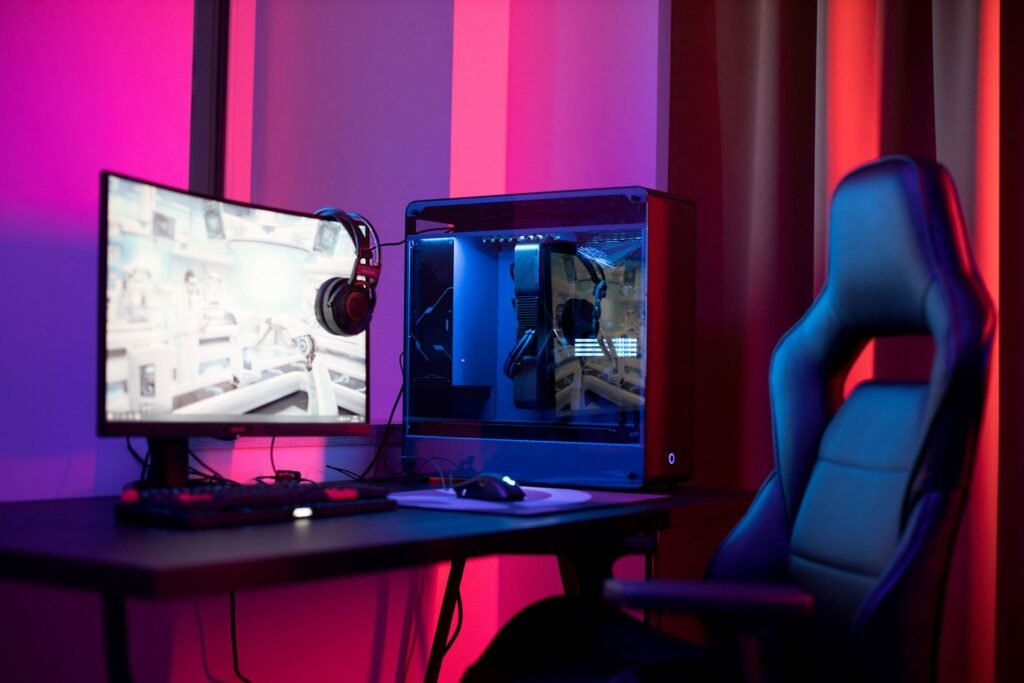
Let’s get one thing out of the way immediately: yes, you can absolutely build a capable gaming PC for under $500 in 2026. Not a slideshow machine. Not something that struggles through menus. An actual gaming PC that delivers smooth 1080p performance in modern games and absolutely destroys esports titles like Valorant, CS2, and Fortnite.
The budget gaming PC build under $500 has always been the entry point where PC gaming starts to make sense — where the performance-per-dollar ratio genuinely beats consoles and where the upgrade path opens up a decade of gaming potential. In 2026, that sweet spot still exists. You just need to know which components actually matter and which ones are a waste of money at this price point.
This is a complete budget gaming PC build guide for 2026 — exact parts, real performance numbers, and honest advice about what to expect.
Is a Budget Gaming PC Build Under $500 Actually Worth It in 2026?
This is the first question worth answering honestly, because the answer has changed over the years.
The short answer: yes, with realistic expectations.
A $500 gaming PC in 2026 delivers smooth 1080p gaming at 60+ FPS in AAA titles and 100-200+ FPS in competitive esports games. It matches or slightly beats PS5 performance in most games. It gives you free online multiplayer, Steam sales, mod support, and the ability to upgrade individual components over time — advantages a console simply cannot offer.
What it won’t do: run games at 4K, push high frame rates with ray tracing enabled, or match a $1,500 build. At $500, you’re building an excellent 1080p machine. That’s the target, and at that target, this build genuinely delivers.
One important note for 2026 specifically: hardware pricing has shifted. RAM and SSD prices have risen, which means some older budget build guides are now out of date. The parts list in this guide reflects actual current pricing and availability.
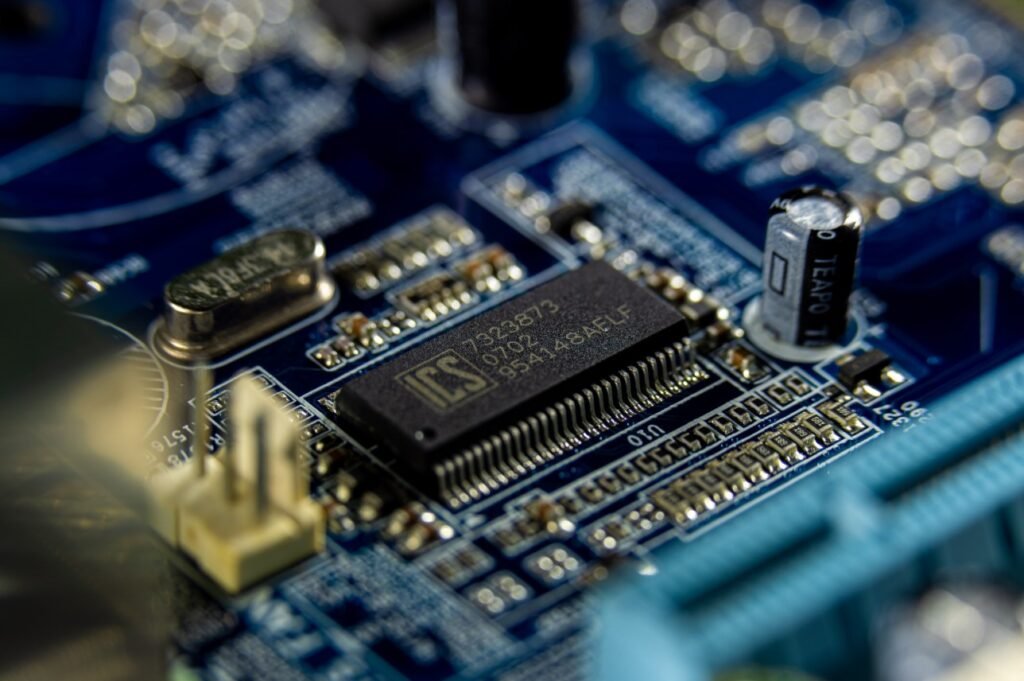
The Complete Budget Gaming PC Build Under $500 — Parts List
Here’s the complete recommended build for 2026. Every component has been chosen based on performance per dollar, compatibility, and upgrade potential.
CPU — AMD Ryzen 5 5600 (~$99-120)
The Ryzen 5 5600 is the best value 6-core CPU available in 2026 for a budget build. Six cores, twelve threads, boost clock up to 4.4GHz, and it includes the Wraith Stealth cooler in the box — meaning you don’t need to buy a separate cooler for this build.
Why not Intel? The Intel i3-12100F is cheaper but only has 4 cores, which already causes stutters in some 2026 AAA titles. The Ryzen 5 5600’s 6 cores provide significantly better longevity. The AMD platform also has a better upgrade path — you can drop in a Ryzen 7 5800X3D later for a meaningful performance boost without replacing the motherboard.
What to buy: AMD Ryzen 5 5600 (includes Wraith Stealth cooler)
GPU — AMD RX 7600 (~$179-200) or Used GTX 1660 Super (~$120-140)
The GPU is the most important component in any gaming PC — it determines 70-80% of your in-game performance. At the $500 budget, you have two solid options depending on whether you want new or used.
New option — RX 7600: The best new GPU at this budget in 2026. Solid 1080p performance across all modern games, beats the GTX 1660 Super by a meaningful margin, and supports AMD FSR 3 which gives you a free 30-40% FPS boost in supported games with minimal quality loss.
Used option — GTX 1660 Super or RX 6600: The used GPU market in 2026 is excellent because gamers upgrading to RTX 4000/5000 series are selling perfectly good mid-range cards. A used RX 6600 or GTX 1660 Super typically performs within 5-10% of the new RX 7600 and saves you $40-60 to spend elsewhere.
Our pick: RX 7600 new if budget allows. Used RX 6600 if you want to save money for peripherals.
Motherboard — MSI PRO B550M-A WiFi (~$80-100)
The B550 chipset is the right choice for a Ryzen 5 5600 budget build — it supports the full Ryzen 5000 series, includes WiFi built in (which saves buying a separate adapter), has PCIe 4.0 for faster SSD speeds, and most importantly gives you an upgrade path to the Ryzen 7 5800X3D later without any platform change.
Don’t go cheaper than B550 on the motherboard. The A320 and B450 budget boards limit your upgrade options too much and often have weaker power delivery that can cause stability issues under gaming load.
RAM — 16GB DDR4-3200 (2x8GB) (~$30-40)
16GB is the minimum for comfortable gaming in 2026. Make sure to buy two 8GB sticks rather than a single 16GB stick — dual-channel configuration gives you a meaningful performance improvement (roughly 5-15% in gaming) at no extra cost.
Speed: DDR4-3200 is the sweet spot for Ryzen on B550. Going higher provides diminishing returns at this budget.
Storage — 500GB NVMe SSD (~$35-45)
Do not use an HDD for games in 2026. The loading time difference between an HDD and an NVMe SSD is too large — games that take 60 seconds to load on an HDD load in 5-10 seconds on NVMe.
500GB is tight but workable as a starting point. It fits Windows, 5-6 modern games, and essential applications. Plan to add a 1-2TB SSD within 6 months as your game library grows.
And once the build is running, our guide covers every way to squeeze more FPS out of it.
PSU — 550W 80+ Bronze (~$45-55)
Do not cheap out on the power supply. A failing PSU can destroy your GPU, motherboard, and other components. Stick to reputable brands — Corsair CX550M or Thermaltake GF3 550W are reliable budget options that won’t let you down.
550W provides enough headroom for this build plus room for a GPU upgrade later.
Case — Budget ATX/mATX (~$30-50)
Look for at least one included fan and a mesh front panel for airflow. A tempered glass side panel is aesthetically nice but not essential at this budget. The Thermaltake S100 TG and Cooler Master MasterBox Q300L are solid budget options that offer good airflow without premium pricing.
Complete Parts List & Total Cost
| Component | Part | Approx. Price |
|---|---|---|
| CPU | AMD Ryzen 5 5600 (with cooler) | $99-120 |
| GPU | AMD RX 7600 | $179-200 |
| Motherboard | MSI PRO B550M-A WiFi | $80-100 |
| RAM | 16GB DDR4-3200 (2x8GB) | $30-40 |
| Storage | 500GB NVMe SSD | $35-45 |
| PSU | 550W 80+ Bronze | $45-55 |
| Case | Budget mATX with mesh front | $30-50 |
| Total | ~$498-610 |
Prices vary by retailer and availability. Check Amazon and Newegg for current pricing.
Real Performance — What to Expect at 1080p
Here’s what this budget gaming PC build actually delivers in popular titles at 1080p:
| Game | Settings | Expected FPS |
|---|---|---|
| Valorant | High | 200-300+ FPS |
| CS2 | High | 150-250 FPS |
| Fortnite | High | 100-150 FPS |
| GTA 5 | High | 80-100 FPS |
| Cyberpunk 2077 | Medium | 50-70 FPS |
| Elden Ring | High | 55-65 FPS |
| Hogwarts Legacy | Medium | 50-60 FPS |
Enable AMD FSR 3 in supported games for a free 30-40% FPS boost.
The competitive advantage: in esports titles like Valorant, CS2, and Fortnite, this build runs at 150-300 FPS. You are genuinely not at a hardware disadvantage against players with high-end setups in these games — they’re designed to run well on modest hardware.
New vs Used — Which Is Better for a $500 Budget Build?
This question comes up constantly and the honest answer is: used parts give you more performance per dollar, but new parts give you peace of mind.
Case for buying used:
- Used GPU market in 2026 is excellent — RTX 3060s and RX 6700 XTs available for $120-150
- Used CPU and RAM are generally safe purchases
- Savings can go toward a monitor, keyboard, or headset
Want to know what games to build this PC for? Our guide covers the most anticipated PC games coming in 2026.
And when it comes to picking the right keyboard for your new build, our guide covers everything you need to know. our guide covers everything you need to know
Not sure which monitor to pair with your new build? Our guide covers the best gaming monitors under $300.
Case for buying new:
- Warranty coverage on all components
- No risk of hidden damage or degraded performance
- Easier return process if something doesn’t work
Our recommendation: Buy the CPU, motherboard, RAM, SSD, and PSU new. Consider a used GPU to get more graphics performance within the $500 budget. The GPU is a lower-risk used purchase than other components because you can test it immediately by running a game.
The Upgrade Path — Where to Go From Here
One of the best things about this budget gaming PC build is where it goes from here. The B550 platform and Ryzen 5 5600 give you a clear upgrade path:
6-12 months: Add a 1-2TB SSD. Storage is always the first thing you run out of.
12-18 months: Upgrade to Ryzen 7 5800X3D. Drop-in upgrade, no platform change needed. One of the best gaming CPUs ever made for 1080p.
18-24 months: GPU upgrade to RX 7800 XT or RTX 4070 when prices drop. Transforms the machine into a genuine 1440p rig.
Every upgrade extends the machine’s useful life without replacing the entire system. That’s the PC gaming advantage — you grow the build over time rather than buying a whole new console generation.
Already have a PC or just finished building? Our guide covers every free way to squeeze more performance out of it. Our FPS guide
Do You Need Windows? What About the OS?
Windows 11 is recommended for best gaming performance — it includes DirectStorage and Auto HDR support that Windows 10 doesn’t have.
The honest budget tip: you can install Windows without a license key and it works with full functionality. The only limitation is a small watermark on your desktop and disabled personalization settings. You can buy and activate a license later when budget allows. This is a legitimate approach many first-time builders use.
Budget Gaming PC vs Console — Is It Worth It in 2026?
This budget PC build matches or slightly beats PS5 performance in most games at 1080p. But the comparison goes beyond raw frame rates:
PC advantages:
- Free online multiplayer (no PlayStation Plus or Xbox Game Pass required for basic play)
- Steam sales — AAA games regularly go 50-75% off
- Mod support in games like GTA 5 and Skyrim
- Upgrade individual components rather than buying a whole new system
- Backwards compatible with every PC game ever released
Console advantages:
- Simpler setup — plug in and play
- No compatibility concerns
- Better optimization on some exclusive titles
- Lower upfront cost (though subscription costs add up)
For someone who games primarily on PC titles and wants flexibility, the budget gaming PC build wins. For someone who plays PlayStation exclusives or wants zero setup complexity, console makes sense.
Final Thoughts
The best budget gaming PC build under $500 in 2026 centres on a Ryzen 5 5600 and RX 7600 — a combination that delivers genuinely impressive 1080p performance across modern games, dominates in esports titles, and has a clear upgrade path that can grow the machine into a mid-range powerhouse over the next two years.
It’s not a compromise machine. It’s a capable 1080p gaming system that competes with consoles, runs the games you want to play, and costs less than a PlayStation 5.
Build smart, upgrade gradually, and enjoy the ride.
Have questions about this budget gaming PC build? Drop them in the comments — we’ll help you figure out the best options for your specific situation.