The right OLED gaming laptop depends on whether you prioritize smooth gameplay, an easy-to-carry design or the most graphics power. A strong choice balances graphics performance, display quality, portability, battery life and price. Your games, work habits and budget all shape that balance.
Pixel response time is the time a display pixel takes to change from one color or brightness level to another. This roundup compares models for overall use, portability, value and higher performance, with hands-on tested options kept distinct from picks assessed mainly by listed specifications.
OLED screens can make games and other content look rich, but the graphics processor, or laptop GPU, determines how well a system can drive them. A small laptop may be easier to carry, while a larger system can offer more graphics power.
The recommendations cover different needs rather than treating one model as right for every player. You can use them to narrow your options, then compare the exact tested configuration with the version you plan to buy.
Treat a high refresh rate as useful only when the laptop’s GPU can produce enough frames to take advantage of it.
Key Takeaways
- Choose the ASUS ROG Zephyrus G16 for an OLED-focused all-around option.
- Pick the Acer Predator Triton 14 AI when portability matters most.
- Consider the Lenovo Legion 5 for a more accessible OLED gaming setup.
- Look at the HP Omen Max 16 for a higher graphics ceiling.
- Compare exact configurations, since model families can have different screens and hardware.
Quick Picks for Different Gaming Setups
If you want a quick shortlist, start with the Zephyrus G16 for a balanced OLED focus, then compare the lighter, value and high-performance alternatives. These gaming laptops suit different buyers, so no single choice is best for everyone.
The best gaming laptops for these needs are the ASUS ROG Zephyrus G16, Acer Predator Triton 14 AI, Lenovo Legion 5 and HP Omen Max 16. Each model serves a distinct purpose, from an OLED-centered setup to higher graphics power.
- ASUS ROG Zephyrus G16: your overall choice for a high-refresh OLED gaming laptop.
- Acer Predator Triton 14 AI: a better fit if you want a lighter setup with discrete graphics.
- Lenovo Legion 5: a value-oriented choice with an OLED screen and dedicated GPU.
- HP Omen Max 16: a pick for buyers seeking a high-performance configuration.
Use the list as a starting point, not a promise that every version has the same parts. The screen, processor, graphics and memory can change across a product family.
Confirm the exact configuration before comparing models, because a product family can include different processors, graphics and screens.
Best OLED Gaming Laptop 2026: Top Picks Tested and Ranked
The ASUS ROG Zephyrus G16 is the strongest OLED-first choice here because its 16-inch panel combines 2.5K resolution, 240Hz and a configurable RTX 5080. That mix gives you a detailed screen with a high refresh rate and room to choose stronger graphics.
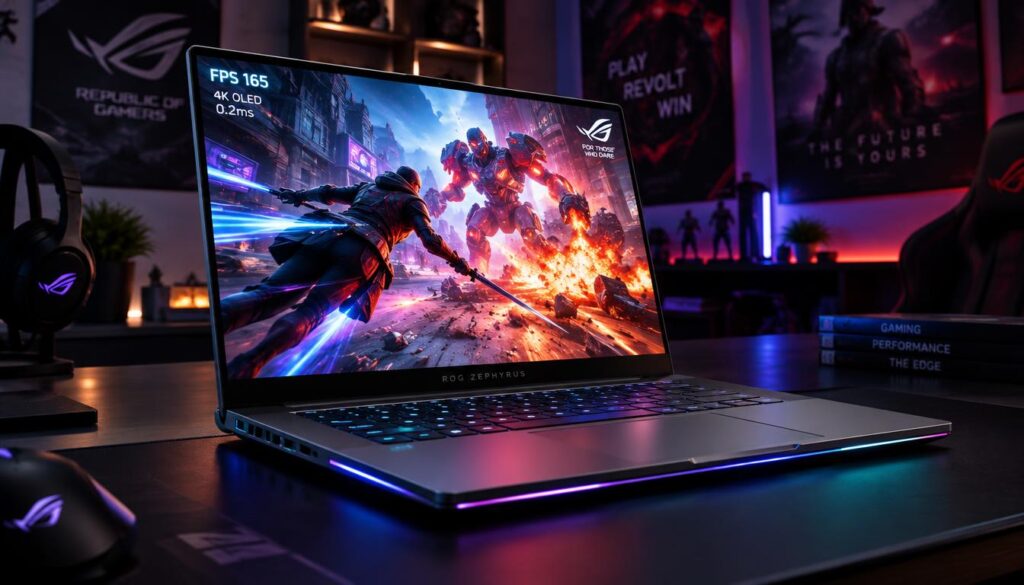
The 2026 model has a 2.5K OLED screen with a 240Hz refresh rate and 0.2ms response time. The panel supports NVIDIA G-SYNC, covers 100% of DCI-P3 and has a ΔE below 1.
Its VESA DisplayHDR True Black 1000 certification describes a display standard, while its listed peak brightness reaches 1,100 nits. Listed peak brightness is a maximum, and real results can shift with glass or touch integration and color calibration.
For a specs-focused choice, the G16 offers up to an Intel Core Ultra 9 386H and an NVIDIA GeForce RTX 5080 Laptop GPU. The screen’s color and contrast credentials describe image quality; gaming performance depends more directly on the chosen GPU and its settings.
Hands-on tested options are distinct from models assessed mainly through listed specifications. The G16 is the best gaming laptop for 2026 in this roundup if OLED is your priority, not a universal winner for every buyer.
Choose a lower configuration if it meets your game and display needs, rather than paying for a GPU tier you will not use.
Best Lightweight OLED Gaming Laptop: Acer Predator Triton 14 AI
At 3.5 pounds, the Acer Predator Triton 14 AI is the portable pick for you if you want discrete graphics without carrying a larger gaming notebook. Its compact chassis pairs an OLED touchscreen with an RTX 5070 Laptop GPU.
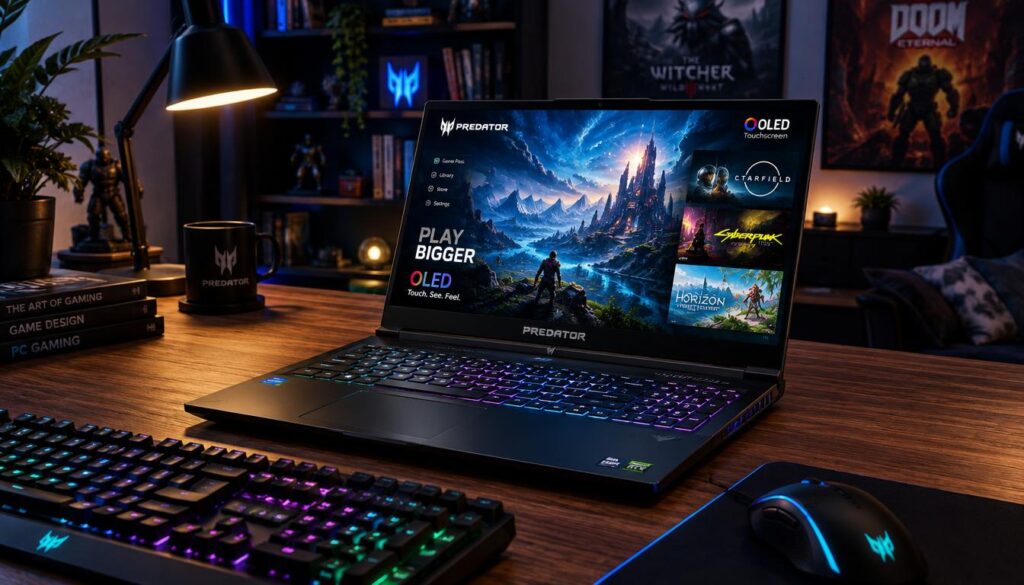
The 14.5-inch OLED touchscreen has a 2880 x 1800 resolution and a 120Hz refresh rate. That gives you a detailed display in a smaller system, with touch input for everyday tasks.
A hands-on test covered a 3.5-pound configuration with an Intel Core Ultra 9 288V processor and NVIDIA GeForce RTX 5070 graphics. You can compare Triton 14 AI details for that reviewed version.
The Core Ultra 288V focuses on a portable design rather than the CPU power of larger gaming systems. That can suit travel and mixed use, though demanding work may benefit from a bigger laptop with a stronger processor.
Its 120Hz screen is not the highest refresh rate in this roundup. The panel can still feel smooth, but fast competitive games may benefit from a display that refreshes more often when the GPU can supply enough frames.
Choose it for the combination of a vivid touch display and compact size, not for maximum CPU headroom.
Best Value OLED Gaming Laptop: Lenovo Legion 5
The Lenovo Legion 5 makes OLED gaming more accessible by pairing a 15-inch 1600p panel with an RTX 5060 configuration. Its dedicated graphics and 165Hz screen offer a practical entry point for OLED gaming.
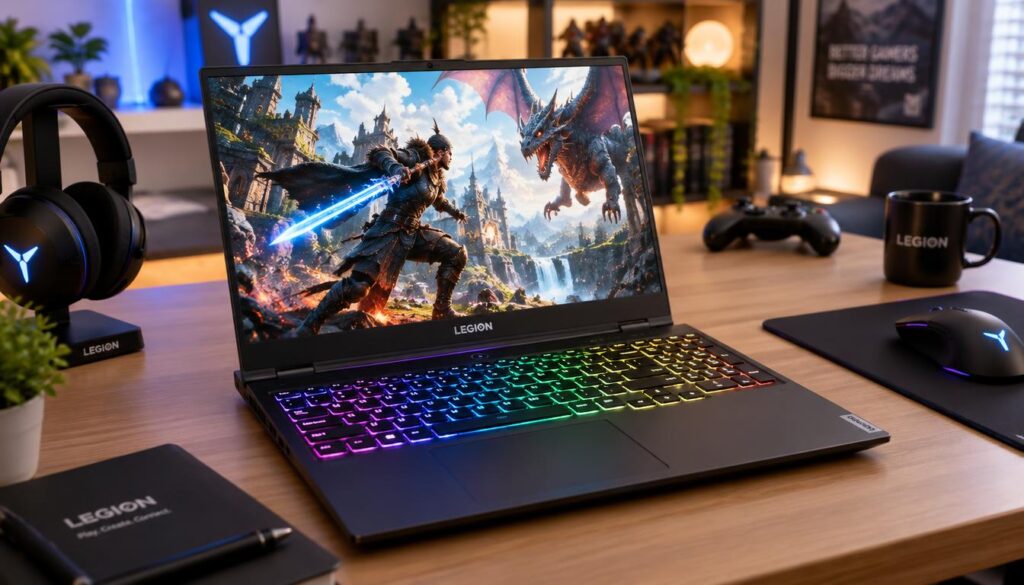
The listed configuration combines an AMD Ryzen 7 260 processor and an RTX 5060 with a 2560 x 1600 OLED display. The screen reaches 500 nits and runs at 165Hz, giving you room for smooth motion in games that can reach high frame rates.
This version includes 16GB of memory and a 512GB SSD. Those capacities are more basic than higher-spec options, and a large game library can fill the drive quickly.
The RTX 5060 can run games at native 1600p, but that resolution can ask a lot from an entry-level GPU. You may need lower graphics settings or upscaling, a feature that helps render a game at a lower resolution before scaling the image.
For many games, a few setting changes can be a better trade than paying for hardware you do not need. Check the exact tested configuration against the games and screen settings you plan to use.
Check whether the 512GB drive suits your game library before choosing this configuration.
Best All-Around Pick: HP Omen Max 16
Consider the HP Omen Max 16 when you want a large OLED gaming display and the option to configure substantially more graphics power. Its 16-inch OLED screen and options up to an RTX 5090 Laptop GPU give it a high performance ceiling.
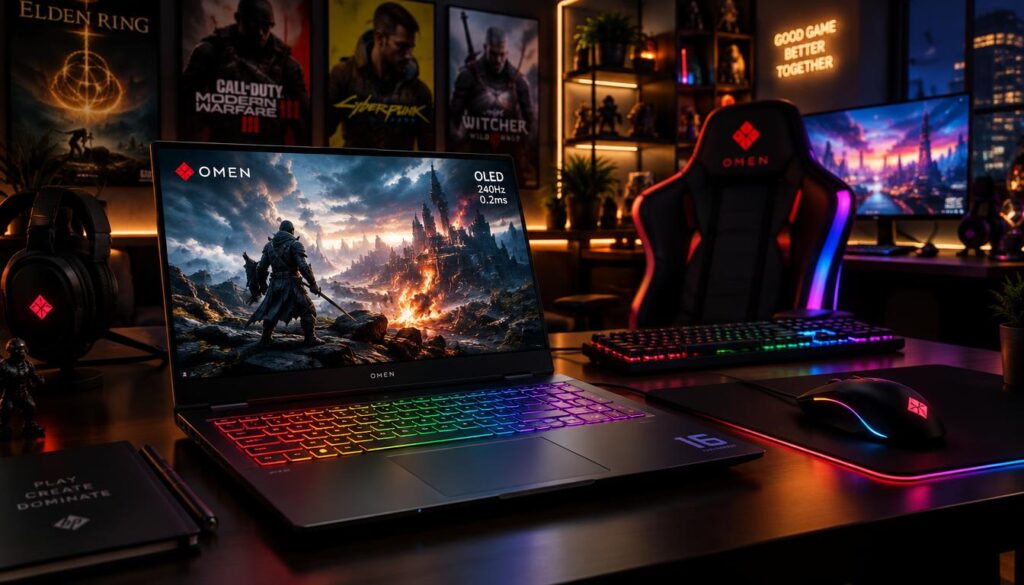
The 16-inch WQXGA OLED panel is available with refresh rates up to 240Hz. Configurations can also include up to 64GB of DDR5 memory, depending on the model you select.
“Up to” describes a configurable limit, not the hardware in every unit. Processor options vary and include Intel Core Ultra or Ryzen AI, so two Omen Max 16 listings can target different levels of performance.
Before choosing, compare the processor, GPU and memory in the exact listing. A demanding new game may benefit from stronger graphics, while less demanding games may not need the highest available tier.
The laptop can suit you if you want a large screen for gaming and other work, with room to select more powerful parts. The right configuration depends on whether its performance target matches your games and your budget.
Compare the exact processor and GPU combination, because the top specification is not the default configuration.
Best 16-Inch High-Refresh Pick: Lenovo Legion 7
The Lenovo Legion 7 is a good fit if you want a 16-inch OLED screen with a 240Hz refresh rate but do not need an RTX 5090. The listed configuration pairs that fast panel with an RTX 5060 Laptop GPU.
Its 2560 x 1600 screen can suit fast games, where clear motion may help you track action. The listed system also includes 32GB of LPDDR5X memory and a 1TB SSD.
That 32GB capacity gives you room to keep games and other apps open at once. It can also help if you use the laptop for work that needs several programs running together.
A 240Hz panel only shows its full benefit when the laptop GPU can deliver enough frames. The result depends on the game, resolution and graphics settings, so the screen’s maximum rate may not match every game session.
This Legion 7 configuration offers a specific balance: a fast OLED display, a mainstream graphics tier and more memory than basic systems. If your favorite games run at lower frame rates, the display can still look sharp, but you will not use its full refresh speed.
Match the display’s speed to the frame rates your chosen games and settings can sustain.
Other OLED Gaming Laptops Worth Comparing
If size, brand or chassis style rules out the main picks, the Blade 16, Zephyrus G14 and Legion 7i offer distinct alternatives. Compare their exact processor, display and graphics options before choosing a product line.
| Model | Display | Graphics and processor |
|---|---|---|
| Razer Blade 16 (2025) | QHD+ OLED, 240Hz | Up to RTX 5090; Ryzen AI 9 HX 370 |
| ASUS ROG Zephyrus G14 | 14-inch 3K OLED | RTX 5060 to RTX 5070 Ti; Ryzen AI 9 HX 370 |
| Lenovo Legion 7i Gen 10 | OLED; panel varies by configuration | RTX 5070 Ti or RTX 5080; processor varies |
The Blade 16 is a 2025 AMD-based option, and the listed G14 also uses an AMD Ryzen processor. A 2025 model may still suit you, but its age alone does not make it a bargain.
If you want a white gaming laptop, the Legion 7i Gen 10 offers a white chassis. Its display and graphics depend on the selected version, so confirm that your preferred configuration includes OLED.
Verify the exact panel and GPU on the configuration you plan to buy, especially when a product line offers several versions.
Which GPU Fits the Games You Play?
Start with the games and settings you want to run, then choose a GPU tier that can sustain them in the laptop’s actual chassis. A model name alone cannot tell you how much graphics power a laptop will deliver.
Mobile NVIDIA GeForce RTX 50-series graphics range from the RTX 5050 through the RTX 5090. Laptop GPU performance also depends on cooling and power limits inside each system.
RTX 5060-Class for Mainstream Play
An RTX 5060-class laptop can suit mainstream gaming when you balance resolution and graphics settings. It may be a sensible match for games that do not need the highest settings or frame rates.
At a higher resolution, you may need to lower detail or use DLSS, NVIDIA’s image scaling feature. DLSS 4 and DLSS 4.5 are available features of the RTX 50-series generation.
RTX 5070 and Higher for More Graphics Headroom
A stronger GPU can give you more room for demanding graphics or higher frame rates. Its results still depend on how well the laptop cools the GPU and how much power the system allows it to use.
Compare the listed GPU with the laptop’s cooling design and power limit. An RTX label does not guarantee the same results across different chassis.
Best GPU for World of Warcraft and Other Games
A 2025-era laptop can still be a good choice for World of Warcraft if its GPU and settings meet your goals. Choose for the game workload you play, not the year printed in a product name.
Use these checks to narrow the graphics tier:
- Game type: note whether you play competitive or graphics-heavy games.
- Target resolution: decide whether you want 1080p, 1600p or more.
- Desired frame rate: set a target that fits your games.
- GPU power and cooling: check how the laptop handles sustained gaming.
| GPU tier | Typical buyer priority | Key configuration check |
|---|---|---|
| RTX 5060 | Mainstream gaming | Check laptop power limit and cooling |
| RTX 5070 | More graphics headroom | Check laptop power limit and cooling |
| RTX 5080 | Demanding settings and higher frame rates | Check laptop power limit and cooling |
| RTX 5090 | Highest listed graphics tier | Check laptop power limit and cooling |
Do not compare RTX labels in isolation when two laptops may give the same GPU different cooling or power limits.
How Much CPU, RAM, and Storage Do You Need?
For a future-proof gaming laptop, prioritize enough memory and storage for your games before paying extra for a processor tier you will not use. Sixteen gigabytes is a practical floor, while 32GB is a more comfortable target for demanding games.
CPU and Memory for a Future-Proof Gaming Laptop
Your processor handles game logic and other tasks, but more CPU power does not always improve your gaming experience. A good Intel Core or Intel Core Ultra processor can suit gaming and everyday work when paired with enough memory.
Sixteen gigabytes can work for everyday use, while newer AAA games and background apps may benefit from 32GB. Thin laptops may have soldered memory, which cannot be swapped later.
| Memory capacity | Suitable workload | Upgrade caveat |
|---|---|---|
| 16GB | Everyday use and many games | Thin laptops may solder memory |
| 32GB | Newer AAA games and multitasking | Check whether memory is soldered |
| 64GB | Heavy workloads that need more capacity | Extra capacity helps only when needed |
A 2026 ASUS ROG Zephyrus G16 supports up to 32GB of LPDDR5X-8533MHz memory. Memory speed can vary with CPU configuration, so the model name alone does not confirm the exact speed.
Storage That Can Grow With Your Game Library
A 512GB SSD can work if you keep a small game library and remove titles you finish. A 1TB drive gives you more room, while 2TB can suit a larger collection.
The Zephyrus G16 offers up to 2TB of PCIe 4.0 SSD storage and a second SSD slot for expansion. Its second SSD slot can add storage, but it does not make soldered memory replaceable.
Check whether memory is soldered and whether a second SSD slot is available before choosing a configuration.
Which OLED Display Specs Matter for Gaming?
The best display for you is the one whose resolution, refresh rate and image quality fit both your games and your laptop GPU. Higher resolution can sharpen a picture, but it also asks more from the graphics processor.
Refresh Rate and Resolution
A 1080p or 1600p screen can make sense when you want a clear picture without asking the GPU to render as many pixels as a higher-resolution panel. A higher resolution can look sharper, but may reduce frame rates in demanding games.
Common gaming laptop refresh rates range from 60Hz for general use to 240Hz for very high frame rates. The right tier depends on what your GPU can produce.
| Refresh rate | Likely use | Practical condition |
|---|---|---|
| 60Hz | General use | Works for basic gaming |
| 120Hz | Smoother movement | Useful when games reach higher frame rates |
| 165Hz | Faster gaming | Needs enough GPU output to benefit |
| 240Hz | Very high frame rates | Best used when the GPU can supply frames |
Higher refresh rates help only when the GPU produces enough frames. For a closer look at matching frame rates and screen specs, see these gaming display choices by GPU.
Color, Contrast, and Brightness
OLED pixels can switch off to show black, which supports deep blacks and high contrast. Many OLED screens also show vivid color, but panel features can differ between laptops.
VESA DisplayHDR True Black 1000 is a display standard, not a promise that every OLED screen has the same brightness. Check the exact panel’s brightness and color claims before you compare systems.
Compare panel details on the exact configuration, not just the OLED label.
How Can You Reduce OLED Burn-In Risk?
Burn-in is possible, but varied screen use and built-in OLED care features can reduce how long bright static elements stay in one place. These habits lower risk, but they cannot guarantee prevention.
Image Retention Is Not the Same as Burn-In
Image retention is a temporary display trace that may fade after varied use, a refresh cycle or time away from static content. Burn-in is permanent uneven pixel aging, which can leave a more lasting mark.
Bright fixed content can raise risk when it stays on screen for long periods. Examples include a taskbar, browser bar, game HUD or editing timeline.
Long-term OLED testing has examined heavy use with static images, but that kind of stress does not match varied everyday use. Laptop buyers should check the exact warranty, since burn-in coverage can differ by model.
OLED Care Habits That Limit Static Content
Use these steps to reduce long stretches of fixed content:
- Enable built-in OLED care features, such as pixel shifting or refresh cycles.
- Hide the taskbar and choose a dynamic wallpaper.
- Set a short screen-sleep timer or use a screen saver.
- Use dark mode and a sensible brightness level.
- Vary what you display and check the exact warranty terms.
Automatic dimming and screen-sleep tools can also help limit static exposure. Dark mode and lower brightness reduce bright interface elements, but neither stops burn-in on its own.
Check the exact model warranty for burn-in coverage before buying, because terms can differ.
How Much Battery Life Can You Expect While Gaming?
Plan to plug in for demanding games, since gaming on battery can last less than two hours on some gaming laptops. A mixed-use battery result does not predict how long a laptop will run a demanding game.
Gaming draws much more power than browsing or video playback. A high-performance laptop may reduce its speed on battery to save power, so plugged-in play is usually the better choice for demanding titles.
Screen brightness, refresh rate and game settings also affect battery use. Brighter screens, faster refresh rates and heavier graphics work can drain power sooner.
The Acer Predator Triton 14 AI reached 10 hours in a mixed-use battery test. That result reflects a mix of tasks, not a promise of 10 hours of gameplay.
Use battery life figures to compare similar tasks, such as browsing against browsing. A gaming session is a different test from ordinary work or video playback.
Treat any mixed-use battery figure as a different scenario from a demanding game session.
Which Gaming Laptop Brand Is More Reliable?
Check the exact laptop model and its warranty rather than assuming a gaming brand name guarantees reliability. Model-specific service terms matter more than one brand score.
Consumer Reports defines reliability as the chance that a laptop still works as it should after three years of ownership. In its three-year survey, 56% of respondents ranked reliability above performance and affordability.
The organization’s 2026 laptop reliability findings also show why brand labels need context. In 2026 rankings, MSI had the second-lowest Consumer Reports score but the third-highest result in PCMag’s Readers’ Choice 2025 survey.
Those different results do not prove that either MSI or ROG is better for every buyer. They show that rankings can shift with the survey and how it measures reliability.
For an MSI or ROG choice, compare the exact model, warranty and service options. Check how long coverage lasts, what it includes and how repairs work in your area.
Give more weight to model-specific service terms than to a single brand ranking.
How Should You Compare Gaming Laptop Performance?
Compare laptops using the same games, resolution and settings, because a GPU name alone cannot show sustained gaming performance. Consistent test conditions make performance comparisons more useful.
Use this checklist when reading gaming tests:
- Compare the same game at the same graphics settings.
- Note resolution and whether upscaling is on.
- Check sustained performance and heat during longer play.
- Separate benchmark results from a manufacturer’s maximum configuration.
Benchmark suites may include demanding games such as Cyberpunk 2077 and Red Dead Redemption 2. Results in those games do not predict performance in every title, since games place different demands on hardware.
A short benchmark can also miss changes that appear after a laptop heats up. Sustained performance matters if you play for long sessions, rather than only running a quick test.
Look for repeatable results at the settings you plan to use, not just a single peak frame-rate claim.
What Should You Check Before Choosing a Configuration?
Before choosing, confirm the exact screen, graphics configuration, ports and power adapter listed for that specific unit. A laptop that cannot sustain its gaming-mode power demand may drain its battery while plugged in.
Check these five details before you order:
- Confirm the exact GPU and display.
- Check memory capacity and SSD size.
- Verify ports and wireless connectivity.
- Review adapter wattage and gaming-mode behavior.
- Assess the keyboard, chassis size, return terms and warranty.
Ports can matter if you connect a mouse, headset, external display or wired network. One Lenovo Legion 5 configuration includes Wi-Fi 7, Bluetooth 5.3, five USB ports, Ethernet and HDMI.
Pay attention to adapter wattage, not just the laptop’s graphics label. A 135-watt adapter caused battery drain during gaming on tested Acer Nitro V 16 and Lenovo LOQ 15 Essential configurations.
That makes a weak charger one practical sign of a configuration to avoid. The right option should support the laptop’s gaming mode without steadily drawing down its battery.
If you expect to game away from a desk, prioritize a configuration whose charger can sustain its advertised gaming mode.
Conclusion
If OLED gaming is your priority, start with the Zephyrus G16 and choose a different pick only when portability or value matters more. The ASUS ROG Zephyrus G16 is the OLED-first overall choice for a buyer who wants a 16-inch high-refresh display.
The Acer Predator Triton 14 AI suits a more portable setup, while the Lenovo Legion 5 is the value-oriented option. Your games and work needs should guide how much graphics power you pay for.
Before you commit, compare the exact configuration’s display, GPU and warranty terms against the games you play.
FAQ
What is the latest best gaming laptop?
The ASUS ROG Zephyrus G16 is the latest OLED-first pick in this roundup. It combines a 16-inch OLED screen with a high refresh rate and configurable graphics. Your best fit can change if you need a lighter laptop, a lower-cost dedicated GPU or more graphics power. Compare the exact configuration, since parts can vary within one model family.
Is MSI or ROG better?
Choose between MSI and ROG by comparing the exact model, warranty and service options. MSI’s rankings differed across surveys: it placed near the bottom in Consumer Reports’ 2026 reliability results but ranked third-highest in PCMag’s Readers’ Choice 2025 survey. Those results do not make either brand a sure winner for every laptop. Check the coverage and support for the model you plan to buy.
How long will an OLED laptop last?
A general laptop-use rule of thumb is about 3-5 years, though an OLED panel’s life depends on how you use it. High brightness and long periods of static content can raise burn-in risk. Varied content and built-in care settings can help reduce that risk, but they do not guarantee prevention. Warranty terms also differ, so check whether the exact model covers burn-in.
What is the No. 1 gaming brand?
ASUS ROG is the OLED-first choice in this roundup, but that does not make it the universal No. 1 gaming brand. A brand can sell laptops with different screens, processors and GPUs. Compare the exact configuration and warranty instead of relying on the badge alone. Your games, budget and need for portability should guide the choice.
What is the best gaming laptop for 2026?
The ASUS ROG Zephyrus G16 is the best OLED-first gaming laptop in this roundup. Choose the Acer Predator Triton 14 AI if a compact design matters more, or the Lenovo Legion 5 for a value-focused OLED configuration. The right model depends on the games you play and the settings you expect. Check the exact screen and GPU before buying.
What are the best gaming laptops?
The ASUS ROG Zephyrus G16 suits an overall OLED-focused setup, while the Acer Predator Triton 14 AI is the portable option. The Lenovo Legion 5 offers a value-oriented dedicated-GPU configuration, and the HP Omen Max 16 has a higher graphics ceiling. These picks fill different roles rather than ranking every laptop for every buyer. Compare the exact configurations to see which one fits your needs.
What laptop to stay away from?
Avoid a configuration whose power adapter cannot sustain gaming-mode demand. Tested Acer Nitro V 16 and Lenovo LOQ 15 Essential configurations with 135-watt adapters drained their batteries during gaming. That does not mean every laptop with that wattage will behave the same way, but it makes adapter capacity worth checking. Confirm that the supplied charger can support the laptop’s expected gaming use.
What’s the most reliable gaming laptop?
No single model is a clear reliability choice for every buyer, so compare the exact laptop’s warranty and service terms. MSI’s reliability results differed between Consumer Reports and PCMag surveys, which shows why one ranking cannot settle the question. Check what the warranty covers, how repairs work and whether service is available where you live. A specific model’s support matters more than a broad brand label.