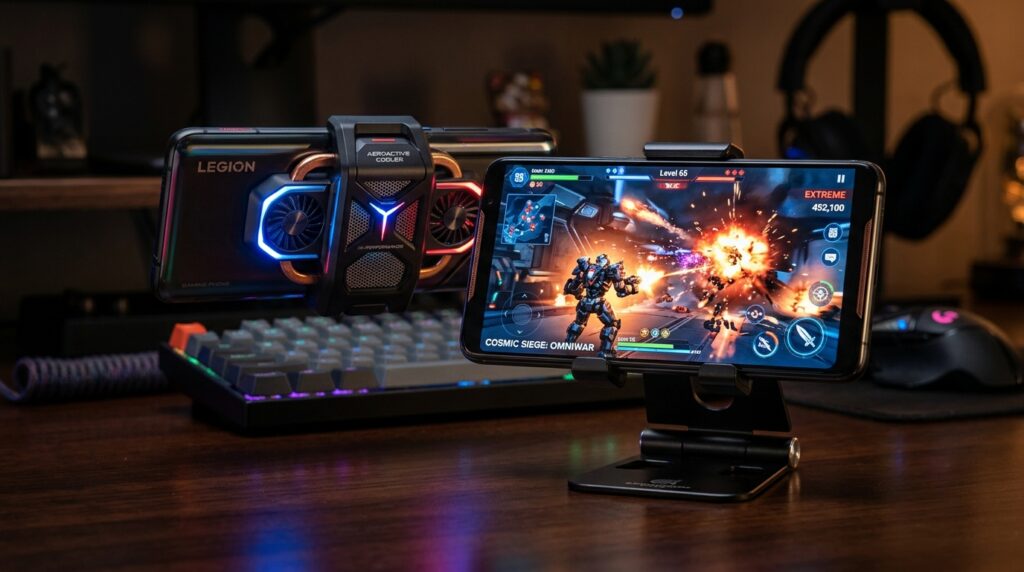
Active cooling can help keep a phone performing steadily when a demanding game creates heat for long enough to trigger throttling. Long sessions can turn smooth play into lag, dim the screen, or make controls feel less responsive. That change matters most when we play the same demanding game for an hour or more.
We can choose a phone with built-in active cooling or add a separate cooler to a phone we already own. Neither option can fix every source of warmth, and neither promises higher frame rates in every game. The best choice depends on what happens during our own sessions.
We’ll focus on signs we can see during play, not claims that a cold phone back proves the processor is cool. We’ll also look at the trade-offs that come with fans, cooling plates, and built-in systems. The useful test is whether performance stays steadier through a long session, not whether the back feels cold.
Key Takeaways
- Active cooling can delay heat-related performance drops under sustained load.
- A cooler cannot lift a game’s built-in frame-rate cap.
- Surface temperature does not directly show processor temperature.
- Built-in fans and add-on coolers bring different costs and setup needs.
- Compare the same game and settings with cooling on and off.
- Stop play if the phone warns of heat or shows signs of damage.
Do Active Cooled Gaming Phones 2026 Actually Work?
Active cooling can delay performance loss when heat is the reason a game starts slowing down. Targeted cooling can help a gaming phone under steady load, but it does not raise a game’s FPS cap. Thermal throttling is a phone’s automatic reduction of processor speed or screen brightness when heat builds up.
In 2026, Android thermal management can lower CPU or GPU speeds, or dim the screen, before a warning appears. A game can drop from 60 FPS to 30 FPS as heat builds, even without a visible alert. A cooling system can help move heat away, giving the phone more time before it cuts performance.
Active-cooled gaming phones in 2026 can work as targeted thermal tools, but they do not guarantee more FPS. They cannot force software to exceed a frame-rate limit, and they cannot solve network lag or a slow game server.
A surface temperature reading is not a direct reading of the processor. The phone may feel cool while an internal part remains warm, or feel warm while performance stays steady. We should judge the cooling by game behavior, not touch alone.
Heat-related performance loss may show up in several ways:
- Frame-rate drops during a long match.
- Screen dimming while the game keeps running.
- A thermal warning from the phone.
Persistent frame drops after 15-30 minutes can point to heat, especially when a game starts smoothly. Our steps to reduce mobile game lag also cover settings and other causes.
A cooler is relevant when a demanding workload causes symptoms, not simply when the phone feels warm.
How Do Built-In Fans, Clip-On Fans, and TEC Coolers Differ?
A fan-only clip cooler circulates room air, while a TEC cooler creates a colder contact plate. The main difference is how each design moves heat, not how cold it makes the phone feel. Each cooling system has limits during sustained play.
A clip-on fan blows ambient air across the phone. It cannot cool below room temperature, though airflow can help the phone shed heat. In tests under sustained load, fan-only coolers can lower phone surface temperature by about 3-10°C.
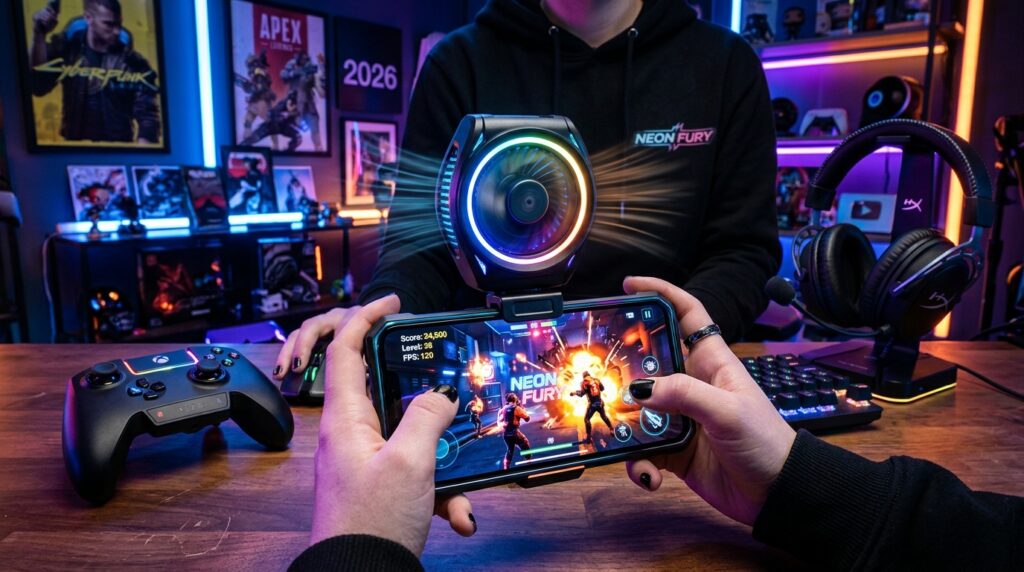
Fan-Only Coolers Move Room-Temperature Air
That 3-10°C change describes the surface, not a direct processor reading. A thick TPU case can trap heat and block firm contact with the cooler. Removing it may improve airflow and contact, though it can also change grip.
Cooler guides give examples such as 2-10°C drops under stated conditions, 25W power claims, and noise checks below 50 dB. Those are context-dependent figures, not typical guarantees. Room temperature, phone load, and measurement method can change the result.
TEC Plates and Liquid Loops Move Heat Differently
A thermoelectric cooler, or TEC cooler, uses electricity to make one contact plate cold. It moves heat to a hot side, which must release both absorbed heat and the electricity used. Field reports describe surface drops of 15-35°C, but readings vary by method.
A cold plate can cool a phone below the dew point and cause condensation. Built-in liquid loops move heat within the phone, while fans help release it. REDMAGIC says its 11 Pro fan runs at 24,000 RPM; HotHardware lists 25,000 rpm.
UCLA work described an electrocaloric polymer prototype, while a 2010 handset paper examined an internal centrifugal fan. Neither tested the clip-on models named here. The 25,000 rpm fan rating is a published figure, not proof of better cooling.
| Cooling approach | Concrete measure | Limitation |
|---|---|---|
| Fan-only clip cooler | 3-10°C surface change | Cannot cool below room temperature |
| TEC cooler | 15-35°C field-reported surface change | Readings vary; condensation can occur |
| RedMagic 11 Pro internal fan | 24,000 RPM manufacturer rating | Rating does not prove cooling performance |
Remove a thick TPU case when it blocks firm cooler contact, and watch for condensation with a TEC plate.
What Do the RedMagic 11 Pro and Huawei Wind Edition Actually Offer?
The RedMagic 11 Pro builds active cooling into a gaming phone, while the Huawei Wind Edition makes room for a turbine by dropping a telephoto camera. Both designs use space that other phones may give to cameras or a slimmer body.
The RedMagic 11 Pro weighs 230g and has a 6.85-inch AMOLED display with a 144Hz refresh rate. REDMAGIC lists a 3,000Hz touch sampling rate, 7,500mAh battery, and up to 80W wired and wireless charging. Its cooling system combines a fan, liquid cooling, Liquid Metal 3.0, and a vapor chamber.
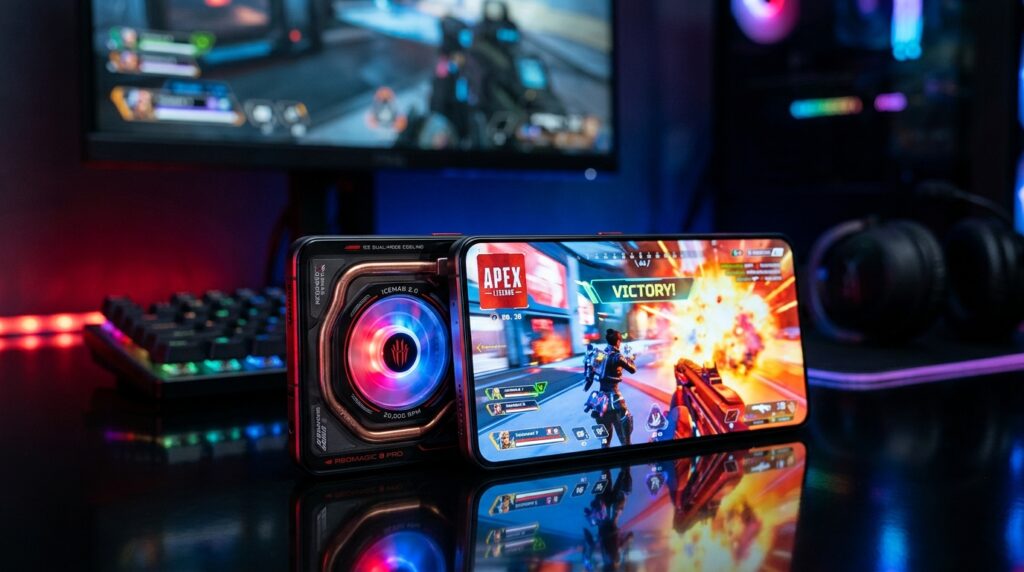
RedMagic 11 Pro Combines a Fan, Liquid Cooling, and Gaming Controls
The AquaCore system includes a 13,116 mm² vapor chamber and a fluorinated liquid loop. REDMAGIC says the loop is designed to be leak-proof and non-conductive. The phone has 520Hz shoulder buttons and supports US 5G.
The 11 Pro carries an IPX8 water-resistance rating, but its dust protection claim has no official dust rating. The 24,000 RPM manufacturer fan rating and HotHardware’s 25,000 rpm review figure are different published ratings. Neither number alone proves cooling performance.
Its Cryo version has 12GB of RAM and 256GB of storage. Subzero and Nightfreeze add memory and storage at higher prices. The listed US configurations are:
| Configuration | RAM/storage | US price |
|---|---|---|
| Cryo | 12GB/256GB | $749 |
| Subzero | 16GB/512GB | $849 |
| Nightfreeze | 24GB/1TB | $999 |
Huawei Mate 80 Pro Max Wind Edition Trades a Telephoto Camera for Cooling
The Huawei Mate 80 Pro Max Wind Edition places a bionic wing turbine fan in its rear camera module. More than 1,200 laser-engraved vents and thermal fins help move heat. Its Kirin 9030 Pro processor also appears in the standard Mate 80 Pro Max.
The Wind Edition has a 6,000mAh battery, 100W wired charging, and 80W wireless charging. Its 6.9-inch OLED display runs at 120Hz. To make room for cooling, Huawei omits the standard model’s 50MP, 6.2x periscope telephoto camera.
Its China prices are 8,499 yuan for 16GB/512GB and 9,499 yuan for 16GB/1TB. The 8,499-yuan starting price comes with the 512GB model. Snapdragon Elite phones are another part of the wider gaming market, but a cooling feature alone does not prove sustained speed.
GSMArena’s 2026 review of the separate RedMagic 11S Pro called its cooling system a gimmick and its sustained performance unimpressive. That model’s entry version launched below €800. Check the exact model and configuration, since similar names do not guarantee the same cooling system or test results.
Are Active-Cooled Gaming Phones Worth It for Long Sessions?
A gaming phone is most worth considering when long sessions, stable play, and built-in gaming controls matter more than camera flexibility or a slim everyday design. For long play, active cooling can help keep performance steadier when heat builds under load.
ASUS ROG Phone models use external AeroActive Cooler accessories and AirTriggers, while RedMagic offers built-in cooling. Some mobile games cap performance at 60 or 90 FPS. A high-refresh screen cannot override a game’s frame-rate limit.
REDMAGIC says the 11 Pro can run Genshin Impact at 60 FPS for two hours at maximum refresh rate and highest resolution. It also claims 7.4 hours of Genshin Impact play at full frame rate. Those are manufacturer claims, not results every player will get.
Long heat loads are not limited to games. CarPlay, streaming, live selling, and tripod-mounted filming can keep a phone working for long stretches. Charging, network use, the display, and camera activity can all add to the load.
A phone controller such as Backbone One or Razer Kishi adds physical controls without cooling. That can be enough when we want better input but do not see heat-related drops. A controller also avoids the bulk of an external fan.
Dedicated gaming phones often trade camera versatility and slim design for gaming features. Readers weighing those compromises can compare gaming phones under $400 with more balanced everyday models.
IGN’s phone stress-test comparison found the Samsung Galaxy S25 Ultra fell by about half in a 3DMark test, while the older RedMagic 10 Pro fell by 21%. Those results show how thermal management can affect sustained performance, not how 2026 phones will score.
Choose the cooling approach around the task you repeat, rather than the most dramatic feature on a specification sheet.
What Trade-Offs and Safety Limits Should We Check?
An active cooler may help a long session, but charging heat, battery condition, noise, and grip still matter. Cooling does not repair a damaged battery or explain unusual heat on its own.
Gaming while charging adds heat, so we should watch the phone during play. Stop if it shows a temperature warning, charges in an unusual way, swells, or develops condensation near its ports. Sustained exposure above 40°C can permanently reduce lithium-ion battery capacity.
Charging, Heat, and Battery Wear
A phone that feels hot during charging needs attention, not just a colder plate. A cooler cannot make battery damage safe or explain heat that appears without a clear cause. Check whether the game, charging, or network use adds load.
5G modems draw 20-30% more power than LTE modems. That extra draw can add heat during a long session with weak signal or heavy data use. When 5G is not needed, using LTE may reduce the phone’s workload.
Grip, Case Fit, and Cooler Setup
Clip-on accessories add weight and can change how a phone sits in the hand. A fan may make noise near a microphone, and some coolers need a cable for power. These are setup and comfort costs, separate from cooling performance.
A thick case can block cooler contact or make a clip unstable. Removing it may improve fit, but can leave the phone harder to grip. Check whether the cooler covers buttons, camera lenses, or the charging port.
A built-in fan can add openings or change the phone’s feel, while an external cooler takes space in a bag. Either setup can be awkward on a tripod or while using a controller. We should judge comfort during the same task we plan to repeat.
Stop using the phone and seek inspection if it overheats while idle, swells, or shuts down unexpectedly.
How Can We Tell Whether Cooling Actually Helps?
To find out whether a cooler helps, compare the same demanding task for the same length of time with the cooler on and off. A fair comparison keeps game settings and room conditions steady. It should track performance, not just the cold plate.
Use a demanding game that shows a clear load, such as a 120 FPS BGMI or PUBG session. If frames start dropping after 20-30 minutes, the test can reveal whether cooling changes that pattern. Compare the final five minutes of each 30-minute run.
Use the same setup for each run:
- Use the same game, graphics settings, room, case, charger, and mounting position.
- Record frame-rate changes, screen dimming, warnings, and surface temperature at the same phone spot.
- Compare the final five minutes of a 30-minute session with and without cooling.
- Measure fan noise from normal hand or microphone distance.
Early-session play can miss heat buildup, so the last five minutes matter. Keep the phone in the same position and use the same surface-temperature tool each time. A single cold reading cannot show whether the game stayed smooth.
A phone surface near 40°C in a 31°C room is a useful load-test condition. It is not a universal threshold or proof of internal temperature. Touch sampling rate and touch response can also feel different, so note input problems separately from FPS.
Do not treat an idle cold plate as proof of better gaming. Look for a change in play, screen brightness, warning behavior, or hand comfort across both runs. Software updates can also change performance, so avoid comparing sessions across a major update.
Keep the accessory only if it reduces a real problem such as frame drops, dimming, warnings, or hand discomfort.
Conclusion
Active cooling can make a difference when a phone repeatedly loses performance during long, demanding play. It adds little for short or light use, especially when the phone stays smooth without extra help.
Our next step is simple: run the same demanding game under steady conditions before buying an accessory or changing phones. Watch the final minutes, when heat has had time to build. If the same test shows no meaningful improvement, keep the simpler setup and address the specific cause of the heat.
FAQ
Are gaming phones worth it?
Gaming phones are worth considering for long sessions, gaming controls, and steadier performance under load. They can suit players who use shoulder buttons or play demanding games for hours. The trade-offs can include a larger body, less camera flexibility, and a design that feels less like a slim everyday phone. For short sessions, a standard phone may be enough.
Which phones have active cooling?
The RedMagic 11 Pro and Huawei Mate 80 Pro Max Wind Edition have built-in active cooling. RedMagic combines an internal fan with liquid cooling, while Huawei places a turbine fan in its rear camera module. ASUS ROG Phone models use external AeroActive Cooler accessories instead. That distinction matters because the accessory must be carried and attached separately.
What is the coolest Android phone?
Among these examples, the RedMagic 11 Pro has an unusual built-in cooling design. It combines a fan with a liquid loop and other heat-spreading parts. “Coolest” can also mean a phone’s style or personal appeal, rather than its measured temperature. A cold surface does not prove that the processor is cooler or that games run faster.
What is the No. 1 gaming phone?
For built-in active cooling among the phones named here, the RedMagic 11 Pro is the clearest fit. Its internal fan and liquid cooling suit buyers who want cooling without attaching an accessory. A different player may rank camera quality, size, or game controls higher. The best pick depends on which features matter during regular use.
What is the best gaming phone in 2026?
The best gaming phone in 2026 depends on whether built-in cooling and gaming controls matter most during long sessions. The RedMagic 11 Pro is a clear option for those needs, while ASUS ROG Phone models offer external cooling accessories and AirTriggers. Buyers who value camera flexibility or a slim body may prefer a less specialized phone.
What is the best gaming phone out right now?
For built-in fan and liquid-loop cooling, the RedMagic 11 Pro is the clearest fit among these examples. ASUS ROG Phone models offer an external accessory approach through AeroActive Coolers. The right choice turns on whether we want cooling built into the phone or prefer to attach it only for demanding play.
What is the best affordable gaming phone?
The RedMagic 11 Pro starts at $749 in the US in 2026, making it the lowest-priced configuration among its listed versions. “Affordable” depends on our budget and whether gaming-specific features justify the cost. A less costly phone may work well for casual play, while long sessions can make dedicated controls and cooling more useful.