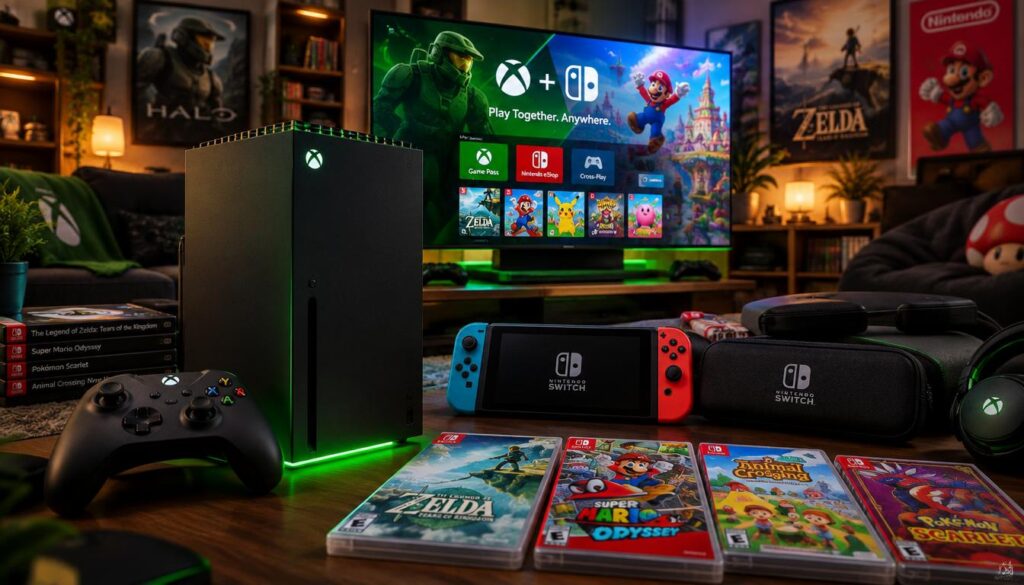
A Switch emulator has booted Nintendo titles on Xbox Series X, but it does not create a full Switch library. The experiment gives Xbox players a glimpse of gaming software running across console platforms. It is not a Nintendo feature, and it does not promise smooth play.
Emulation is software that imitates another system’s behavior so software made for that system can run elsewhere. In this case, an emulator attempts to let selected Switch games run on Xbox hardware. The result is an early test, not a ready-made way to play Nintendo’s catalog.
Key Takeaways
- Selected Nintendo titles have booted in an experimental setup.
- The emulator runs in Developer Mode, not the standard Xbox environment.
- Booting a game does not prove smooth or stable play.
- The emulator does not include a Nintendo game library.
- Treat the footage as evidence that selected games can start, not proof that the Xbox can replace a Switch.
This news matters to players curious about what their console can do beyond its usual games. Treat the footage as evidence that the emulator can start selected games, not proof that it can replace a Switch.
Xbox Series X Running Nintendo Switch Games: How It Works
The Xbox is not reading Switch discs or receiving Switch software through a normal Xbox feature; an emulator app translates behavior inside Developer Mode. That setup uses compatible apps outside the standard Xbox environment, called retail mode.
The emulator app does not supply a Nintendo game library.
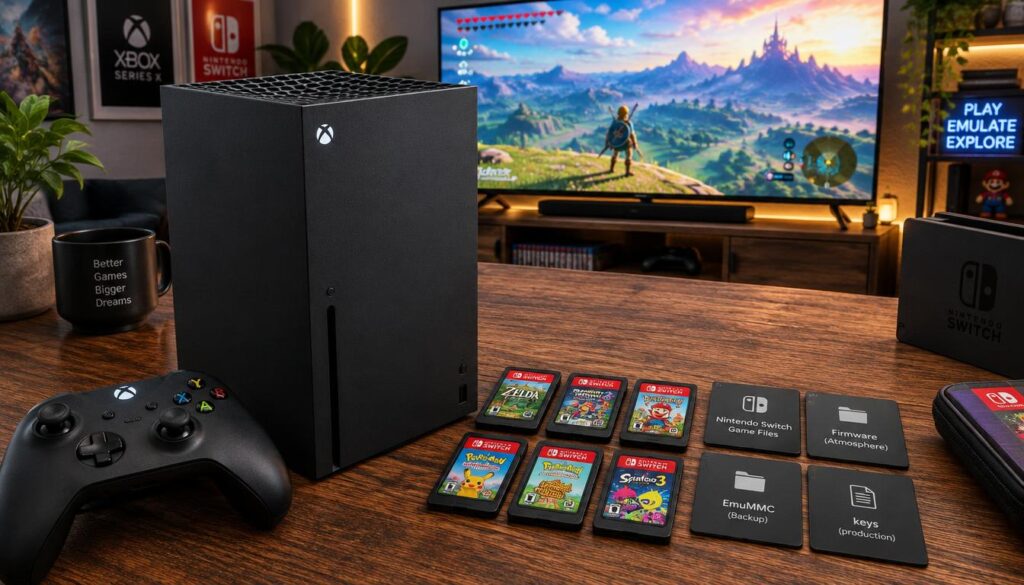
The best Xbox Series X setup for running Nintendo Switch games uses four parts, though game and system files must come from elsewhere.
Developer Mode and UWP apps
Developer Mode is the console software environment used for this experiment. It allows compatible apps to run apart from the standard retail setup. That separation matters because an emulator app does not work like a regular Xbox game from the Microsoft Store.
The basic components are:
- Xbox Series X hardware
- Developer Mode
- An emulator app
- Compatible game and system files
These parts describe the route, not a guaranteed setup for every player. The console provides the hardware, while the emulator handles the translation through code.
What the Eden-based emulator does
The emulator imitates aspects of Nintendo Switch behavior so compatible software can run on a different console. The app appears to be based on Eden, but that connection has not been confirmed as a technical fact.
A UWP port is one reported explanation for how the emulator may have been adapted. UWP means Universal Windows Platform, a Microsoft app framework. The UWP idea is not a confirmed account of the project’s development.
The emulator does not turn every Switch game into an Xbox game. Compatibility depends on the app’s ability to handle each game’s code and system needs. The project’s reported Eden and UWP lineage remains unconfirmed, so describe it as a likely route rather than a verified build history.
What the Footage Shows, and What It Cannot Prove
The available footage shows three named Switch games booting, but it does not provide a dependable performance benchmark. A video of Xbox Series X running Nintendo Switch games can show a startup screen without proving how the game works during regular play.
Booting confirms only that a game reached the moments shown. It does not establish smooth performance, full compatibility, or stable play over longer sessions.
Three Switch titles that booted
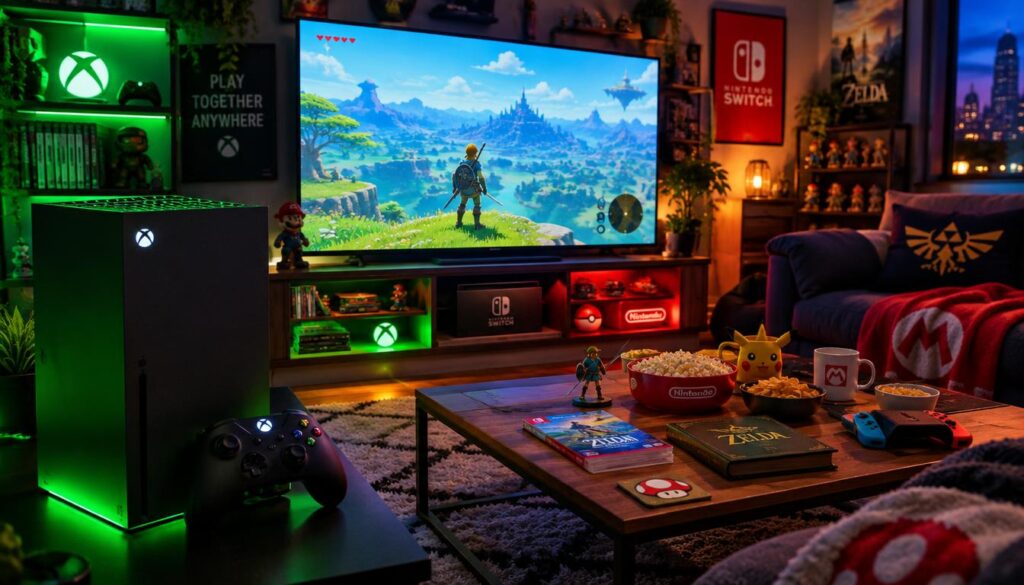
The footage shows these Nintendo Switch titles starting on Xbox Series X:
- Super Mario Odyssey
- Super Mario Bros. Wonder
- Metroid Prime Beyond
Each title appearing in footage is a useful sign that the emulator can start some software. It is not evidence that every level, feature, or later play session works as expected.
Why booting is not a performance test
A startup or short gameplay clip cannot show whether the game stays responsive as play continues. The footage also does not confirm steady frame rates, broad compatibility across the Switch catalog, or stability during longer sessions.
Other Xbox emulation projects do not establish how this specific emulator performs. Players assessing frame-rate drops can use this guide to spotting low FPS and performance drops, though its steps apply to PC gaming. Until sustained gameplay is demonstrated for each title, describe compatibility as unproven beyond the games and moments actually shown.
How Developer Mode Differs From Retail Xbox
Developer Mode is a separate app environment, while retail mode is the standard Xbox experience governed by Microsoft Store rules. An emulator used in one environment is not automatically available in the other.
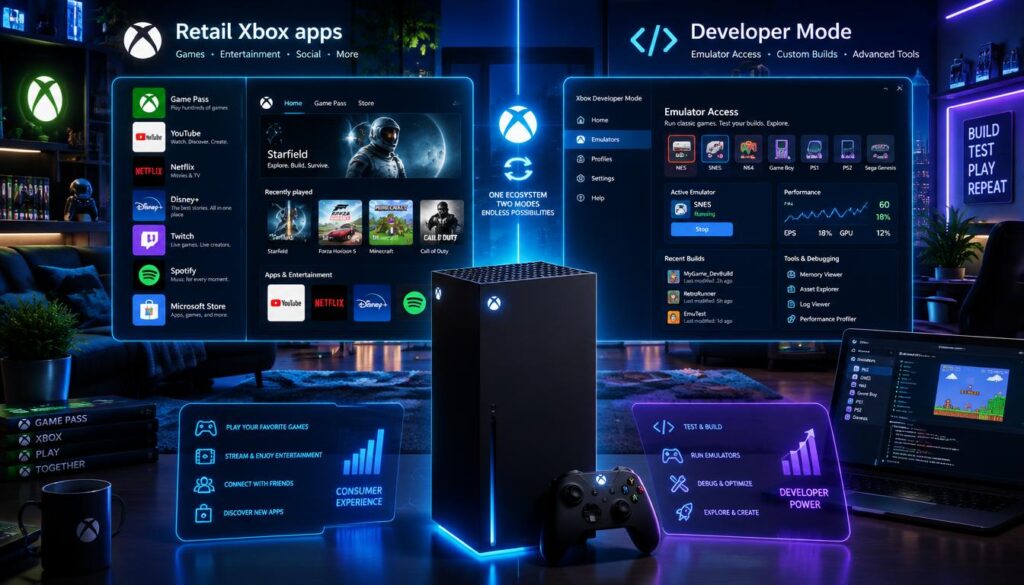
| Environment | App route | Emulator status |
|---|---|---|
| Developer Mode | Compatible UWP apps | Separate from retail mode |
| Retail mode | Microsoft Store | Emulator products barred by policy |
| Developer Mode | Outside standard retail setup | This experiment runs here |
| Retail-mode enforcement | Unofficial emulators | Tightened over time, including summer 2022 |
Microsoft Store policy 10.13.10 bars products that emulate a game system or platform on any device family. Its policy change history tracks changes to that rule. RetroArch is a separate emulation frontend discussed in older Xbox setups, not proof that it powers this Switch experiment. Do not assume that an emulator found in one Xbox environment is available or permitted in the other.
What This Experiment Means for Xbox Players
For Xbox players, this is an intriguing experiment rather than a reliable way to access Nintendo’s full library. It is not yet a dependable substitute for a Nintendo Switch. Players should judge it as a limited test, not as a practical route to every game.
Emulation itself is not inherently illegal; copyright questions depend on ownership and the source of game and system files.
An emulator does not grant ownership of Nintendo games. A paid game does not become free because someone runs it through emulation, and file use can raise separate copyright concerns. The rules can depend on the game, who owns it, and where its files came from.
Use only game and system files you have the right to use, and check the rules that apply to your situation.
Conclusion
The notable result is that Xbox Series X can host an experimental Switch emulator, not that it has become a Switch replacement. The test points to another use for Xbox hardware, but it is not a supported Nintendo feature or a finished game platform.
Players weighing a console or setup change should wait for sustained, title-specific testing. A game reaching its opening screen does not answer how well it runs later.
Before trying an emulator, check the current Developer Mode instructions and confirm that your game and system files are lawfully sourced.
FAQ
Do Xbox games work on Xbox Series X?
Yes, Xbox Series X games run natively on Xbox Series X, and many Xbox One titles are backward compatible. Backward compatibility lets a newer console run selected games made for an earlier Xbox generation. That is separate from Switch emulation, which uses an emulator to imitate another system. A Switch game is not an Xbox game simply because it starts on Xbox hardware.
Can I connect my Xbox to my Nintendo Switch?
Connecting an Xbox to a Nintendo Switch does not make the Xbox run Switch games. The Xbox is not a pass-through device for Switch gameplay. Each console runs its own software, and a cable between them does not change that. To play a Switch game, players generally use Nintendo’s console rather than routing it through Xbox.
How do Nintendo Switch games work?
Nintendo Switch games are made to run on Nintendo hardware. Their code relies on the console’s system features, controls, and other components. An emulator tries to reproduce enough of that system behavior for compatible software to run on a different device. The result can vary by game, and a game starting does not prove every part works.
Do you have to pay for Switch games?
Commercial Nintendo Switch games are generally purchased, with free-to-play exceptions. Buying a game gives the player access under the terms set for that title and platform. Emulation does not remove the need for lawful access to a game. An emulator app does not make a paid game free or provide the game itself.
Do digital Switch games work without internet?
Many downloaded Nintendo Switch games can be played offline after the console has access to the game. Online modes and other connected features need an internet connection. Some account or license checks may also require internet access, depending on the game and setup. Players should not assume every digital title will work offline in every case.