
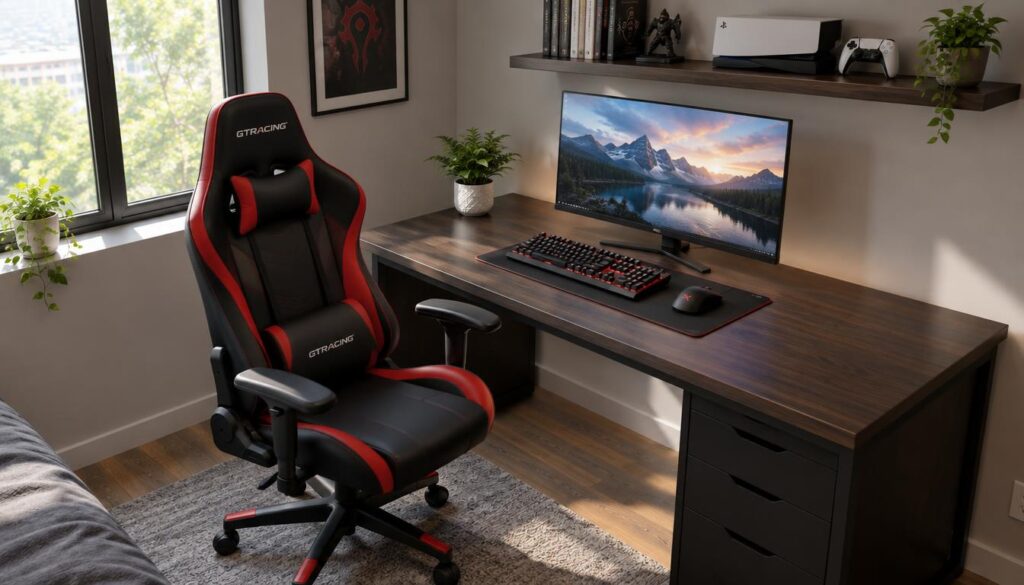
A chair that looks right in a gaming setup can still feel wrong after an hour at the desk. For the best gaming chair under $300 in 2026, fit and useful adjustments matter more than a gaming label. Comfort depends on your body, the seat, and how you sit during play or work.
Usable seat depth is the part of the seat that supports the thighs, measured from the backrest to the front edge. A seat that is too deep can press behind your knees. A seat that is too shallow may leave your thighs without enough support.
Our shortlist includes racing-style gaming chairs and a task chair approach. Each takes a different path to support, so the best choice depends on your body and desk setup. We focus on fit, support, and real-use features within the $300 limit.
Key Takeaways
- Match seat width, depth, and height to your body and desk.
- Choose lumbar support that meets your lower back comfortably.
- Check whether armrests and recline suit your sitting habits.
- Fabric and mesh often feel cooler than leatherette.
- Check current price and return terms before you order.
The next section puts five options beside the $300 ceiling, making the budget and shortlist easy to compare.
Which Picks Fit a $300 Budget?
Five shortlisted chairs sit at or below the stated $300 limit. The listed prices range from $84 to the full budget ceiling, with several choices between those ends.
Comparing the best gaming chair under $300 in 2026 tested and ranked for cheap setups means weighing budget alongside features. Every listed option costs $300 or less, but the amount left in your budget varies.
All five listed options meet the $300 limit, though they leave different amounts for the rest of your setup.
| Model | Listed price | Room below $300 |
|---|---|---|
| Razer Iskur V2 X | $300 | $0 |
| E-Win Knight Series | $239-$299 | $1-$61 |
| Corsair TC100 | $269 | $31 |
| Ventuvibe Gaming Chair | $169 | $131 |
| Homall Classic | $84 | $216 |
These figures give us a quick way to compare the gaming chairs before weighing how they feel and fit. The lowest price does not, by itself, tell us whether a chair suits long desk sessions.
Prices can change, so check the current price before buying. A sale or a price change can alter how much room each option leaves in your budget.
The price snapshot is only the start; our ranking also weighs the features that matter during daily use.
Best Gaming Chair Under $300 in 2026, Tested and Ranked: Our Top Pick
For most buyers working within this budget, we would start with the Razer Iskur V2 X. Its racing-style shape has built-in lumbar shaping, so buyers get a clear support feature without a separate pillow. That simple setup will suit some people better than a chair with more controls.
We rank it first for shoppers who want a straightforward gaming chair, not as a universal fit. People who need movable lumbar support or a wider range of adjustments may prefer another model.
We judge the best gaming chairs here by four priorities:
- Body fit across the seat and backrest.
- Lower-back support that meets the user’s back.
- Useful adjustments for desk use and posture.
- Construction and value within the budget.
Those priorities define our use of “best gaming chair in 2026.” They apply to this under-$300 comparison, not every chair on the market or every buyer’s body.
The same limit applies to “best budget gaming chair in 2026.” A chair can rank first here and still be a poor fit for someone who needs a different seat shape.
Built-in lumbar shaping stays in one place, unlike a pillow that can move or an adjustable system that changes position. That tradeoff makes the top pick easier to set up, but it gives buyers less control over where support lands.
Our full under-$300 gaming chair comparison offers another way to review the shortlist and its competing priorities.
https://www.youtube.com/watch?v=y0MIBe0LTUg&xstg=CAMSBhUDze3xHw%3D%3D
Readers who want practical dimensions and features can compare the individual model sections that follow.
Razer Iskur V2 X
The Iskur V2 X is the clearest fit for someone who wants a gaming-style chair without a long adjustment checklist. Its racing-inspired shape uses multi-layer fabric upholstery, which offers a different feel from leatherette. The fixed lumbar curve keeps the setup simple.
Its built-in lumbar support is not adjustable lumbar support. The curved backrest provides one set position, so it may feel helpful for one person and miss another person’s lower back.
That difference matters more than the label on the feature. A movable support pillow or adjustable lumbar system lets a user change its position; a built-in curve does not.
The fabric cover may suit people who dislike the feel of a slick surface. It also gives the chair a softer visual style than some racing seats, while keeping its gaming shape.
The listed maximum capacity is 300 pounds, and the maximum listed height is 79 inches. Those figures are limits, not a promise that every person within them will find the seat comfortable.
The backrest measures 33.6 inches long. The seat measures 22 inches wide at the point of contact, which helps shoppers compare the contact area with their own needs.
We see the simpler setup as a benefit when the fixed curve lands comfortably and the buyer wants fewer controls to manage. It becomes a limitation when the curve misses the user’s back or the buyer wants more ways to tune support.
Readers who prefer a flatter seat and a more traditional pillow-based setup can consider the E-Win Knight Series.
E-Win Knight Series
A flatter seat can feel less confining than a deeply bucketed racing-style cushion. The Knight Series offers that more open seat base, with a lumbar pillow for back support. The loose pillow needs attention during use.
The lumbar pillow has no straps to hold it in place, so it may need repositioning. That can interrupt a session, especially if the pillow shifts away from the spot where it supports the lower back.
The model is listed for up to 400 pounds. That number describes maximum weight capacity, not a comfortable size fit for every person under the limit.
Capacity and fit answer different questions. A person can fall below the stated capacity and still find the seat, backrest, or pillow poorly suited to their body.
The company lists a two-year warranty for padding and upholstery and a 10-year warranty for the frame. These terms apply to the named parts, and do not mean every component or type of damage receives coverage.
For fit, the advertised short-user range deserves care. The recommended fit appears better suited to people around 5 feet 6 inches and taller than to the full advertised short-user range.
The flatter base may appeal to people who dislike raised side bolsters. Buyers should also consider whether they will tolerate moving the lumbar pillow back into place.
Shoppers looking for a softer seat feel can turn to the Corsair option.
Corsair TC100 Relaxed
The TC100 Relaxed is the pick to consider if firm seat padding is a deal-breaker. Its softer cushioning can feel plush at first, which may appeal to people who prefer a less rigid seat. That first impression does not tell the whole comfort story.
A softer seat may provide less stable support for some people than firmer padding. If the seat compresses more than you like, you may prefer a firmer feel during longer desk sessions.
The listed seat foam density is 30 kg/m³. That figure describes the foam, but it cannot predict how every person will feel on the cushion.
The product details offer fabric and leatherette versions. Those are listed options, not a promise that both covers remain in stock at every seller.
The TC100 has a listed maximum capacity of 264 pounds and a two-year warranty. Capacity is only one part of choosing a fit, and warranty terms do not tell us whether the seat will feel right.
We would weigh the softer padding against the support feel you prefer. A plush first sit can be welcome, but comfort can change as the cushion compresses during use.
Fabric may appeal to buyers who want a different surface from leatherette. Personal room temperature and how long you sit can also shape how warm the chair feels.
Next is a feature-rich budget option whose brand support deserves extra scrutiny.
Ventuvibe Gaming Chair
The Ventuvibe’s appeal is easy to see, but its limited return window changes the risk calculation. Its Secretlab-inspired styling and feature-rich look can catch the eye. Looks alone cannot show how well a chair fits or feels.
The described chair has a 30-day return policy, so inspection on arrival matters. Check the seller’s current return terms before buying, since the terms that apply can affect your options.
The styling may recall premium gaming chairs, including the Secretlab Titan look. That resemblance does not prove equal materials, quality, or performance.
The advertised feature set may appeal to buyers who want several ways to set up their chair. We would still judge each control by whether it helps support the user’s body at the desk.
Check the chair soon after delivery. Look over the upholstery, controls, and parts, then decide whether the seat and support feel right within the stated return period.
The short return period limits how long a buyer has to assess fit at home. A chair can look promising online and still fail to suit the user’s body.
We would not treat a return policy as a warranty. A return window describes the chance to send a purchase back, while a warranty covers only what its terms specify.
Shoppers who put the lowest listed price first can contrast this option with the Homall Classic.
Homall Classic
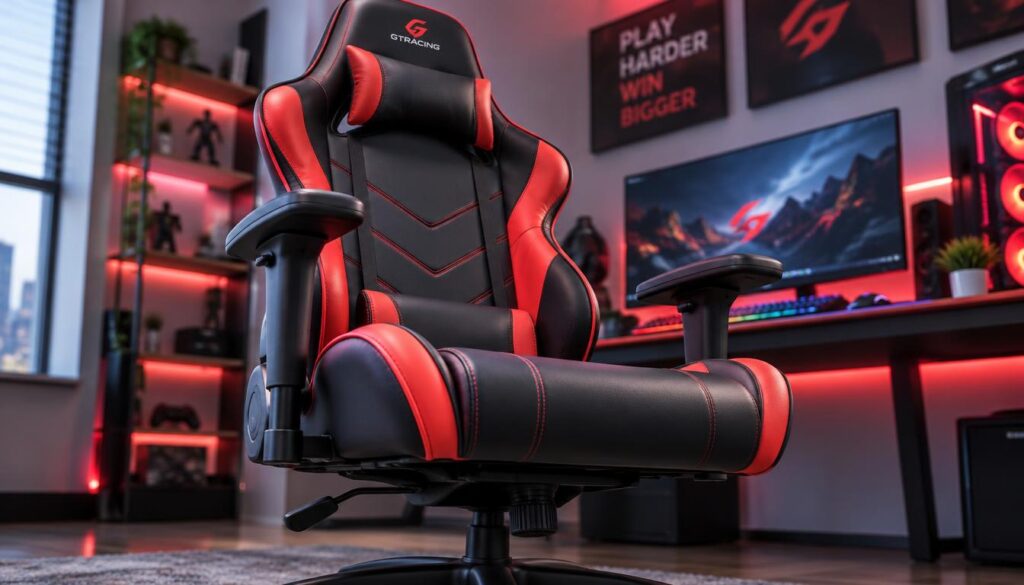
A very low-cost chair can be appealing when the alternative is continuing to use an unsuitable seat. The Homall Classic has a racing-style look, with lumbar and head pillows included. Its basic build calls for modest expectations.
The upholstery and padding are described as low quality, and the warranty is one year. The upholstery is PVC leather, a form of leatherette, and may not suit buyers seeking a more refined finish.
The chair is listed for up to 300 pounds. Capacity does not guarantee a comfortable fit, since people with the same weight can have different body proportions.
The included pillows offer a simple way to add support around the back and head. They do not make the chair a long-term investment, especially for buyers concerned about its padding and surface.
Some shoppers searching for the best gaming chair under $200 may see the Homall as a basic starting point. Its low price can make sense when needs are limited and the buyer accepts the material tradeoffs.
We would avoid treating it as a durable replacement for a chair that will see heavy daily use. The warranty and stated material quality suggest a simpler role as a starter seat.
Its racing shape may fit a gaming setup, but looks do not settle comfort. Seat dimensions, support position, and how the chair feels at your desk still matter.
Model differences lead to a practical question: what matters most during longer sessions?
What Matters Most During Long Gaming Sessions?
Comfort over a long session depends on fit and support, not just soft padding. The goal of finding the most comfortable gaming chair for long hours has no single answer for every body. One person’s plush seat may feel unsupportive to another.
Prioritize a seat that fits, support you can position comfortably, and room to change posture. No chair removes the need to stand up and move during a long day.
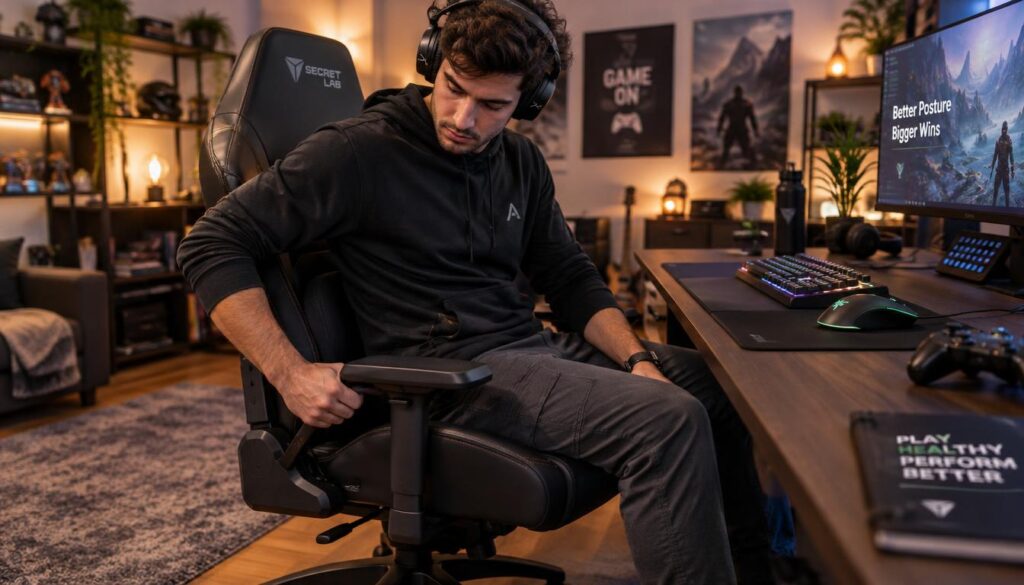
Look for signs that the chair does not suit your body or desk:
- Pressure builds behind your knees.
- Your shoulders reach upward or forward for the armrests.
- The lumbar support misses your lower back.
- Discomfort builds as you continue to sit.
These clues do not diagnose a health problem. They help us notice when a seat or support position is not working well during ordinary desk use.
Try a few sitting positions while you work or play. A chair that allows a comfortable change in posture can be more useful than one that keeps you in a single pose.
Armrests should not pull your shoulders up. Lumbar support should meet your lower back without forcing you to lean into an awkward position.
We also need to leave the chair from time to time. A well-fitted seat can make desk use more comfortable, but it cannot replace getting up and moving.
Our guide to long-session chair comfort also explains why fit and support matter more than a soft first sit.
Once those discomfort signals are clear, we can check fit using body and seat measurements.
How Do You Check a Chair’s Fit?
Start with the space between the back of your knees and the seat edge. Usable seat depth should support your thighs without pressing into the area behind your knees.
Compare seat width, depth, and height range with your body and desk before ordering. A chair’s backrest proportions also matter because it should meet your back in a comfortable place.
Seat width and usable depth
Seat width helps show whether the sitting area leaves enough room for your body. Usable depth is the distance from the backrest to the front edge that supports your thighs.
A deeper seat is not always better. If the front edge reaches too close to the back of your knees, you may feel pressure or sit away from the backrest.
The figures below offer a starting point for comparing three models. Check the measurements against your own body and the desk where you plan to use the chair.
| Model | Seat width | Usable seat depth | Seat-height range | Maximum capacity |
|---|---|---|---|---|
| E-Win Knight Series | 21.7 inches | 19.7 inches | 16.3-20.2 inches | 400 pounds |
| Corsair TC100 | 21.2 inches | 19.6 inches | 17.7-21 inches | 264 pounds |
| Homall Classic | 18.5 inches | 20.5 inches | 18-21.2 inches | 300 pounds |
Seat height and body proportions
Seat height affects how your feet meet the floor and how the seat lines up with your desk. Compare the chair’s height range with your legs, shoes, and desk height.
Capacity is a separate check from fit. A chair may support a stated weight while still feeling too narrow, too deep, or poorly matched to your backrest needs.
Use this quick checklist before you choose:
- Measure your body and desk.
- Compare usable seat depth.
- Check the seat-height range.
- Verify capacity separately from fit.
OSHA’s computer workstation chair guidance also stresses seat height and depth that support the feet and thighs without pressure behind the knees.
After fit, the next check is whether the support controls can be positioned where they help.
Which Adjustments Improve Support?
A chair’s adjustment range matters only when it lets you sit comfortably at your desk. Good controls help place support where your body needs it, rather than adding features for their own sake.
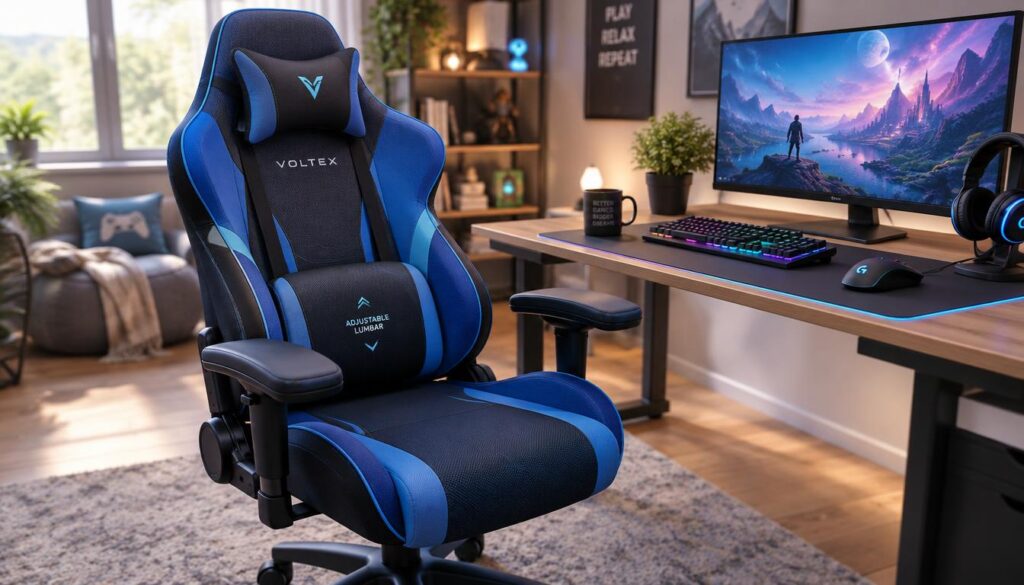
Lumbar support should meet the lower back, and armrests should let the shoulders stay relaxed. Recline helps only when its range suits your desk use and preferred posture.
| Model | Lumbar arrangement | Armrest adjustment | Maximum recline |
|---|---|---|---|
| Razer Iskur V2 X | Built-in non-adjustable lumbar support | 2D armrests | 152 degrees |
| E-Win Knight Series | Lumbar pillow | 2D armrests | 155 degrees |
| Corsair TC100 | Height-adjustable lumbar pillow on straps | 2D armrests | 160 degrees |
| Ventuvibe | Strapless foam lumbar pillow | 4D armrests | 155 degrees |
| Homall Classic | Lumbar pillow | Non-adjustable armrests | 155 degrees |
A fixed curve holds one position. A loose pillow can shift, while adjustable lumbar support lets the user change its position or height.
Armrests matter when they support the lower arms without making the shoulders lift or reach. A control is useful only if its range matches your desk and sitting position.
A larger recline angle is not automatically better. Some people use recline for breaks, while others need a more upright position to work at a desk.
The number of controls matters less than whether they help you sit with relaxed shoulders and comfortable lower-back support. Try the range you need, rather than paying extra for adjustments you will not use.
Once support controls make sense, upholstery is the next choice that can affect how warm a chair feels.
Which Upholstery Feels Cooler?
If you tend to feel warm at your desk, upholstery deserves attention alongside lumbar support. Fabric and mesh generally allow more airflow than leatherette, while leatherette is typically easier to wipe clean.
Dense padding and room temperature can affect how warm a chair feels. The cover alone does not decide comfort, since padding and the room also shape the feel.
Fabric and leatherette
Fabric may feel less slick than leatherette and often lets more air pass through. It can collect dust and spills differently, so care depends on the cover and its cleaning label.
Leatherette usually makes surface cleanup easier with a wipe, but it may feel warmer against the skin. Check the manufacturer’s care instructions before using a cleaner or cloth.
Do not assume every fabric uses the same weave or finish. Follow the upholstery label and maker’s care steps rather than applying one cleaning method to every material.
Mesh and mixed materials
Mesh backs can allow airflow across the back. A mesh back may still pair with a padded seat, so the whole chair is not necessarily mesh.
Mixed materials can balance different needs. A breathable back and a padded seat, for example, create a different feel from one surface across the whole chair.
Foam density and room temperature also influence perceived warmth. A thick cushion can hold more heat than a lightly padded surface, even when the cover feels breathable.
Think about where you feel warm and what you can clean easily. The right upholstery depends on your room, habits, and tolerance for upkeep.
Those material choices help narrow the field, leaving one design question: gaming shape or task-chair support?
When Is an Office Chair a Better Fit?
A task chair can be a better gaming seat when desk comfort matters more than racing-style looks. Gaming branding is optional; a chair needs to fit your body and support your desk use.
Choose by the specific model, sizing, support, and return terms, not brand reputation alone. No single gaming chair brand works best for every buyer.
Gaming style versus task-chair support
Racing-style gaming chairs often put a bold shape and recline front and center. A task chair usually puts desk posture and body fit ahead of gaming design.
Those design goals can overlap, but the labels do not guarantee a good fit. Some gaming chairs suit desk use, while some office chairs may feel better for gaming.
Searches for the best gaming chair brand can lead buyers toward familiar names. We would still compare the exact model’s seat, support, sizing, and terms before relying on a brand’s reputation.
Compare current fit, not an old ranking
An older ranking or model-year label cannot establish current price, availability, fit, or value. “The best gaming chair under $300 in 2026 tested and ranked in 2022” mixes dates that do not prove what a chair offers today.
Models can change, and sellers can change their prices and terms. A past recommendation does not show whether a chair still fits your body or budget.
Make one last check before ordering:
- Confirm the chair’s dimensions.
- Choose upholstery that suits your room and care habits.
- Check the current terms.
- Verify that the price remains within budget.
Buy the chair that fits your body and desk, rather than the one with the most familiar label. Check its dimensions and current purchase terms before ordering.
Choose for fit and support, not branding alone. Check the chair’s current dimensions and terms before you order.
That direct comparison leads to a simple final choice: match the chair to your needs, then check the purchase details.
Conclusion
The right pick is the one that fits your body and daily use, not simply the one with the most dramatic design. Fit comes first, and support controls matter when you will use them.
Our two takeaways are simple: choose a seat that works at your desk, and favor support features you will adjust. A long list of controls cannot make up for a seat that feels wrong.
Before ordering, check the preferred model’s current price, dimensions, and return terms. Start by comparing its fit measurements with your body and desk, then confirm the current purchase terms for your leading option.
FAQ
What’s the best gaming chair in 2026?
The Razer Iskur V2 X is our top pick in this roundup’s under-$300 range. Its built-in lumbar shaping and straightforward setup suit shoppers who want a gaming-style chair without many controls. The best fit still depends on your body and support preferences. If you need movable lumbar support, another model may work better.
What is the #1 gaming chair?
There is no universal number-one gaming chair for every body and desk. In this under-$300 comparison, we rank the Razer Iskur V2 X first for shoppers who want a simple gaming-style seat with built-in lumbar shaping. Its fixed support will not suit everyone. Buyers who need more ways to place lumbar support should compare other options.
What is the best gaming chair for the money?
The E-Win Knight Series may suit buyers who value a flatter seat and a high listed weight capacity. Its lumbar pillow has no straps, so it needs repositioning when it moves. Its recommended fit also suits people around 5 feet 6 inches and taller better than the full advertised short-user range. Check fit as well as capacity.
What is the best gaming chair now?
The Razer Iskur V2 X is this roundup’s lead choice, but a useful current pick must fit the buyer and stay within budget at checkout. Compare its seat and back support with your own needs. Check the current price and seller terms before ordering, since a chair’s fit matters more than its place on a list.
What gaming chairs do most streamers use?
Streamers use varied chair and desk setups, so we cannot name one model as the choice most of them use. A streaming setup may favor a gaming look, an office-style task chair, or another seat. The better choice depends on body fit, desk use, and personal preference. A camera-friendly design does not guarantee comfort.
Are gaming chairs worth the money?
Gaming chairs can be worth the money when the seat fits and its support adjustments solve a real need. A gaming label or extra features alone do not justify paying more. Compare how the chair supports your back and arms at your desk. Also consider whether its materials and return terms suit the way you plan to use it.
What chair do most gamers use?
We cannot name one chair as the choice most gamers use without a reliable market-share figure. Preferences vary with body size, desk height, game setup, and budget. Instead, compare seat dimensions with your body and check that the chair works at your desk. A task chair can work just as well for gaming.
How to choose a good gaming chair?
Compare seat dimensions first, then check lumbar and armrest support, choose suitable upholstery, and confirm the current price and return terms. Make sure the seat depth does not press behind your knees and the seat height suits your desk. Choose controls you will use, rather than paying for a long feature list that does not improve your fit.


Pingback: Best Gaming Chair Under $300 in 2026: Tested and Ranked - GAME INSIDER PRO