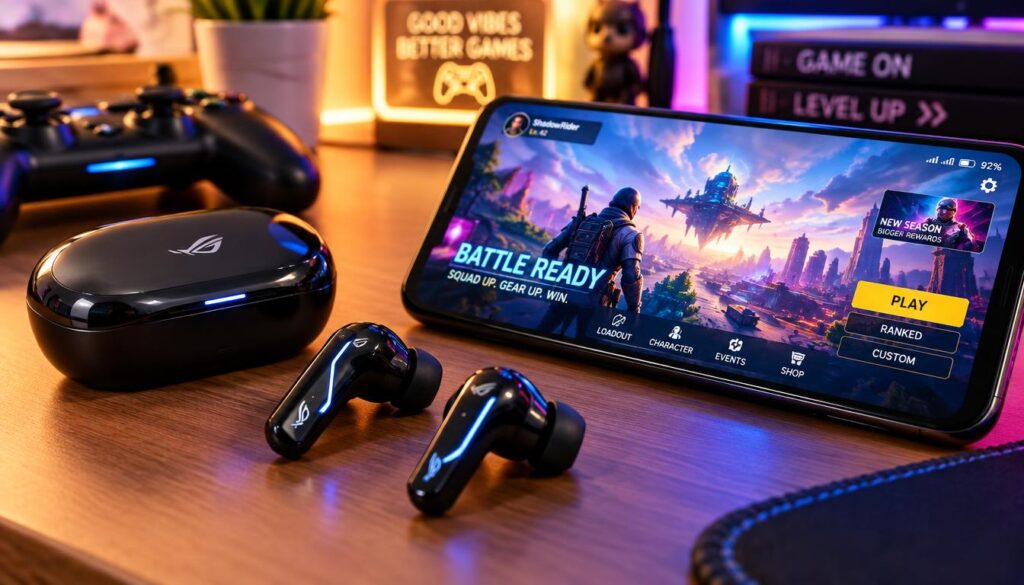
The right gaming earbuds depend first on how quickly they deliver game audio and which device you play on. Wireless convenience matters when sound stays in sync with the action. Latency is the delay between an action on screen and the sound reaching your ears.
We’ll help you match a pair to your budget, phone, and gaming setup. Our picks cover competitive mobile play, immersive everyday listening, and a low-cost start. Each has a different strength, so the best choice depends on how and where you play.
Key Takeaways
- Sony WF-C710N suits immersive play and everyday listening.
- EarFun Air 2 NC offers app-based low-latency modes for mobile games.
- TOZO Crystal Pods suit players watching their wireless budget.
- Wired earbuds avoid wireless transmission delay for competitive games.
- Check the connection, microphone, and fit on your own device.
For fast-response games, prioritize a dedicated low-latency connection over extra audio features.
Best Gaming Earbuds 2026: Wireless Picks for Every Budget
For a quick starting point, choose the Sony WF-C710N for immersive play, the EarFun Air 2 NC for precise mobile gaming, or the TOZO Crystal Pods when keeping the budget low matters most. These wireless earbuds serve different needs, rather than offering one winner for every player.
We weigh sound, comfort, battery life, microphone quality, connection reliability, and price. Latency and reliability matter because clear sound still feels wrong when footsteps or shots arrive late. IGN tested 13 gaming earbuds over several weeks, covering fit, audio, latency, battery life, microphones, and connection reliability.
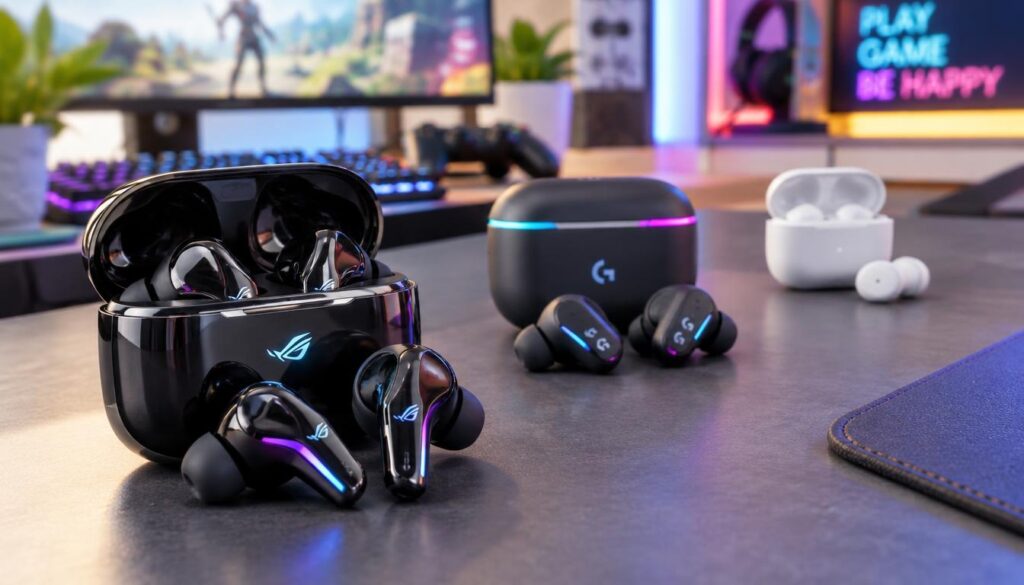
Which wireless gaming earbuds are best in 2026?
The best wireless gaming earbuds depend on the game and device. Sony works well for detailed play and daily use. EarFun focuses on mobile synchronization, while TOZO offers a lower-cost entry point.
These true wireless options differ in controls and connection needs. Check each model’s game features before buying, especially when your device cannot run its companion app. A long feature list does not prove that sound will stay in sync.
How do the picks divide by budget?
The TOZO Crystal Pods are a sub-$50 option, while the BGR 2026 gaming-earbud picks range from $60 to $250. Listed prices can change, so treat them as price references rather than live offers.
| Model | Best fit | Budget position |
|---|---|---|
| Sony WF-C710N | Immersive all-round play | Midrange |
| EarFun Air 2 NC | Low-latency mobile gaming | Midrange |
| TOZO Crystal Pods | Budget mobile play | Sub-$50 option |
IGN’s 13-earbud testing also weighed fit, sound, delay, battery, microphones, and connection reliability. Treat the model that best fits your platform and game type as the better buy, not the one with the longest feature list.
How Do Wireless Gaming Earbuds Keep Audio in Sync?
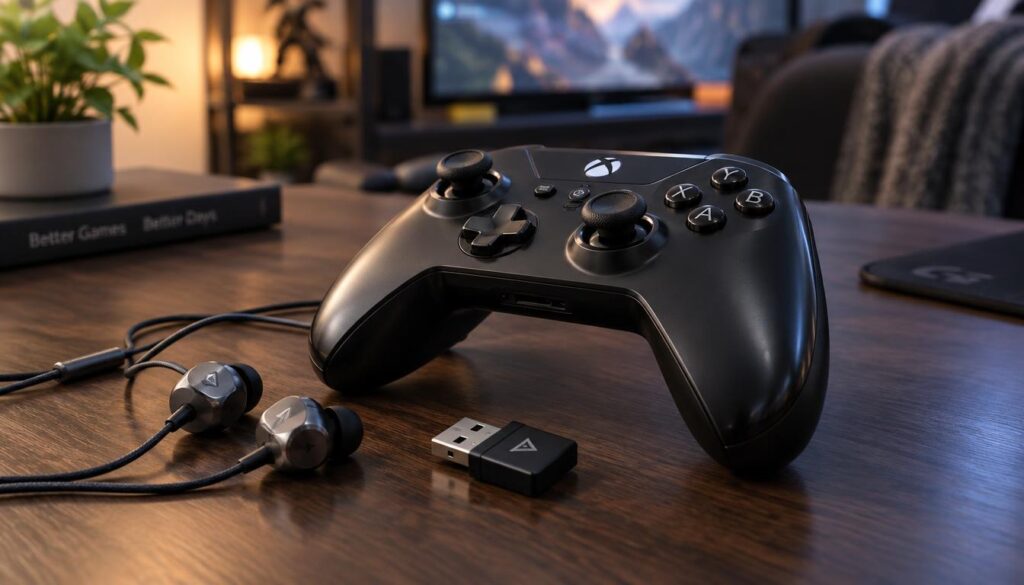
In a fast shooter, even a small audio delay can make a shot or footstep feel out of step with the action. A USB dongle connection can reduce delay on PC and consoles, while wired earbuds avoid wireless transmission delay.
Bluetooth can be convenient for casual play, but its delay may stand out in games. Codecs and Bluetooth version numbers describe parts of a wireless link, not a tested game mode. The EarFun Air Pro 4+ lists Bluetooth 6.0 and aptX Lossless, but neither spec alone proves low gaming latency.
When does a USB dongle beat Bluetooth?
A USB dongle creates a dedicated wireless connection between earbuds and a device. That route can reduce connection latency on PC and consoles, when the device supports the dongle.
Bluetooth is simpler when we want to pair earbuds with a phone or move between devices. Its audio delay can be noticeable during play, especially when quick actions need matching sounds. A Bluetooth label or codec name alone does not tell us how a game will feel.
When do wired earbuds make more sense?
Wired earbuds suit competitive shooters because the direct cable avoids wireless transmission delay. They also skip pairing and charging, which keeps setup simple when a controller or computer has a suitable audio jack.
Story-driven games place less pressure on exact sound timing. Bluetooth earbuds may feel fine for exploring a world, listening to dialogue, or playing at a relaxed pace. A cable can still be inconvenient when we move around.
- Choose a USB dongle when a supported PC or console route matters.
- Use Bluetooth when convenience matters more than exact timing.
- Pick wired audio for a direct, simple connection.
Compare the actual game mode on your device, not just the Bluetooth version. If a game’s timing matters more than cable-free movement, favor wired audio or a confirmed low-latency connection.
Is the Sony WF-C710N a Good Wireless Pick for Gaming?
The Sony WF-C710N stands out when we want immersive game audio without having to activate a separate gaming mode. Testing in Call of Duty Mobile found minimal audio delay and detailed spatial sound.
That spatial detail can help game sounds feel placed around us, rather than packed into a flat mix. Its warm sound also suits music and everyday listening. We can use one pair for a game, then keep it in during the rest of the day.
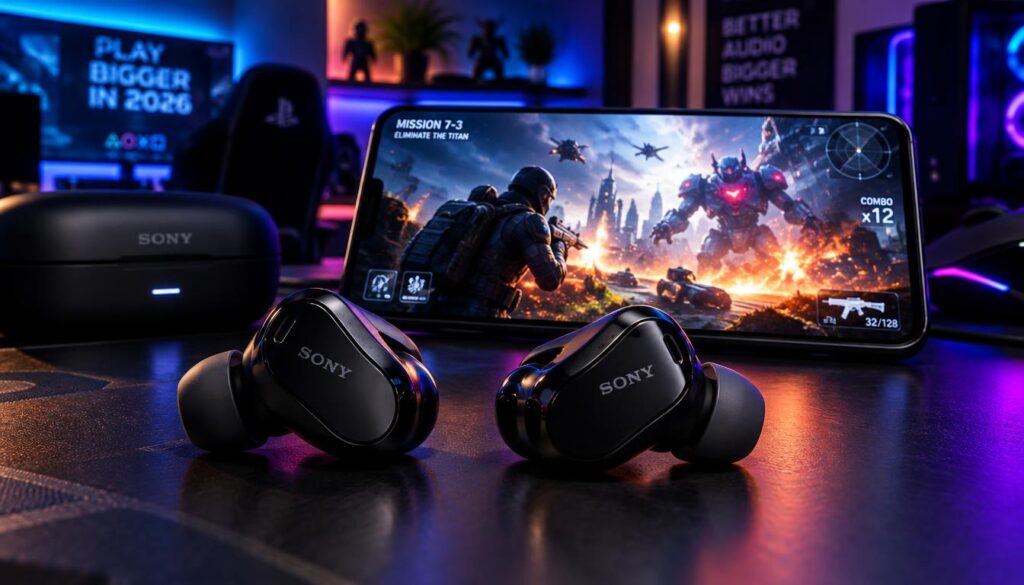
The earbuds deliver 8.5 hours per charge and include active noise cancellation. ANC can soften sounds around us, which may help when a room is busy. It does not replace checking whether the connection suits a particular game.
The WF-C710N also supports a multipoint connection, letting us connect two devices. That can make it easier to move between a phone and another device without pairing again each time. The feature adds daily convenience, not faster game audio.
Comfort matters when a session runs long. The Sony pair balances a warm sound with spatial detail, so dialogue, music, and game effects remain engaging. Fit still depends on our ears, so a short trial is useful.
Its results do not rely on a special game mode. That makes setup straightforward for players who prefer not to adjust app controls before playing. We should still test the connection on the device we use most.
Choose it for detailed, engaging play when you value everyday listening features as well as gaming.
Does the EarFun Air 2 NC Suit Competitive Mobile Gaming?
The EarFun Air 2 NC can deliver especially precise mobile-game audio when its two relevant app modes are switched on. Enable both low-latency mode and Theater mode in the EarFun app for the gaming experience described.
Low-latency mode targets synchronization, while Theater mode adds a more spatial presentation. Together, they help sounds line up with play and feel easier to place. The settings matter; simply wearing the earbuds does not activate the same experience.
The Air 2 NC offers 6.5 hours of battery life per charge. It also has IPX5 water resistance and multipoint connection, useful features beyond gaming. Those extras make it easier to keep the pair in rotation for calls and daily listening.
Our strongest performance point is mobile gaming with the app modes enabled. That does not guarantee the same result on every PC or console. Connection support and app access can change how the features work on another setup.
Players who use a phone for games should check that the app runs on that phone. Also confirm the game and connection route work with the settings we plan to use. A feature that cannot be switched on will not help during play.
For longer mobile sessions, fit remains important alongside synchronization. The app offers a focused way to shape game sound, but players should try the controls before a match that matters.
Our guide to gaming phones under $400 compares devices for gaming and everyday use. Check that the app and game device support the connection you plan to use before choosing it for play beyond mobile.
Are Open-Ear Earbuds Comfortable for Long Gaming Sessions?
Players who dislike silicone tips can consider the EarFun OpenJump, which keeps its speaker near rather than inside the ear canal. An open fit can feel less intrusive and lets us stay aware of nearby sounds.
Unlike sealed earbuds, this design does not block outside noise. That can help when we need to hear someone nearby or stay aware of our room. It is a poor match when isolation is the main goal.
The OpenJump offers up to 11 hours per charge, which supports extended play before we need a break to recharge. Its IPX7 water resistance and multipoint connection also suit daily use beyond a game session.
Low-latency mode and Theater mode support gaming. As with other app-controlled features, we should make sure the modes are available on the device we use. These settings support the game experience, while the open design shapes comfort and awareness.
Some players find in-ear tips tiring after a few hours. An open fit avoids putting silicone tips into the ear canal, though fit and comfort still vary from person to person. A short trial helps us spot pressure or movement.
Open earbuds let environmental sound reach us, which can be useful at home or while sharing a space. The trade-off is less privacy and a weaker sense of isolation during play.
Pick an open design for comfort and awareness, not for blocking a noisy room.
What Are the Best Budget Wireless Gaming Earbuds?
The TOZO Crystal Pods are the budget wireless pick when mobile gaming matters more than switching between several connected devices. Their game mode is controlled through the app, and the earbuds connect to one device at a time.
That app-only control can limit the pair on a PC when we cannot open the app. The low price does not make it the best choice for desktop play without access to those settings. Check the control route before choosing them for a computer.
The earbuds run for 6 hours per charge with ANC on, or 7 hours with ANC off. That difference matters for a long game, especially when we want noise control throughout the session.
IGN’s 2026 guide included budget gaming-earbud candidates at $50 or less. TOZO is described as a sub-$50 option, but prices can change. BGR also covers noise-cancelling earbuds under $50, including the Crystal Pods’ app features and ANC.
- Confirm you can access the app on your gaming phone.
- Check whether ANC-on runtime covers your usual session.
- Test the fit before a long match or trip.
The Crystal Pods fit players who want wireless earbuds for mobile games and can live with one-device pairing. Their controls and runtime deserve a quick check before we depend on them.
Test the fit and game mode on the intended phone before relying on them for a long session.
Is the Lenovo Thinkplus GM2 Pro Worth Buying for $15?
At a listed $15, the Lenovo Thinkplus GM2 Pro is an unusually inexpensive way to try wireless game mode. That $15 figure is a listed price, not a promise of today’s price.
Holding the right earbud activates game mode, a simple control for buyers who want a basic way to reduce synchronization problems. The pair connects to one device at a time, so switching between a phone and computer takes extra effort.
The GM2 Pro provides 5 hours of playback per charge. That is a shorter stretch than many players may want for a long session, so we should plan for a recharge or a break.
The case is described as bulky and fragile. That matters if we carry the buds in a backpack or pocket every day. A basic case can make a very low-cost pair feel less suited to regular travel.
For casual play, calls, or a spare pair, the GM2 Pro may cover the basics. Game mode is a useful feature at this listed price, but it does not turn the buds into a premium all-platform solution.
Keep the connection limits in mind when choosing a pair for several devices. A single-device link may be enough for a phone, but less convenient in a mixed setup.
Treat its low listed price as the trade for a basic feature set and a fragile-feeling case.
Can Budget Gaming Earbuds Provide Active Noise Cancellation?
ANC can make a noisy gaming space easier to ignore, but it cannot correct delayed game audio. Choose active noise control for the room, then judge gaming delay on its own.
The GravaStar Sirius Plus is an ANC-equipped example near the lower end of the featured price range, with an $89.95 MSRP. It uses Bluetooth 5.3, a 10 mm composite-diaphragm dynamic driver, and hybrid dual-feed ANC.
Transparency mode lets outside sound through, which can help when we need to hear the room. IPX4 water resistance adds some protection from splashes, while the ANC and transparency settings address different listening needs.
The Sirius Plus is rated for 7 hours per charge and 28 hours with its case. The earbuds take 90 minutes to charge. Those figures describe endurance, not how quickly game audio reaches our ears.
It does not list a low-latency gaming codec such as aptX LL. That makes it better suited to casual or story-driven play than games where sound timing guides quick moves. ANC does not guarantee better positional audio either.
- Prioritize the connection mode used by your device.
- Check whether ANC and transparency are adjustable.
- Confirm the earbuds seal comfortably in your ears.
ANC can cut some room noise, while transparency offers more awareness. Neither feature tells us how a game’s sound will sync, so test the connection separately.
Choose ANC for environmental noise control, and verify latency separately.
Are Premium Bluetooth Earbuds a Good Gaming Alternative?
Premium Bluetooth features can improve everyday listening, but they do not automatically make an earbud a competitive gaming pick. Measured game delay matters more than a high-resolution codec, many microphones, or a high price.
These models may suit players who want one pair for music, calls, and games. Their long feature lists can help with daily use, but we still need a connection that suits the games we play.
What does the Heavys H1E offer?
The Heavys H1E uses Bluetooth 5.4, dynamic drivers, and multipoint. Its supported codecs include SBC, AAC, aptX, aptX Adaptive, and aptX HD. That range can serve different listening devices, but it does not confirm game latency.
The earbuds provide 7 hours per charge and 24 hours with the case. Full earbud charging takes 90 minutes, while the USB-C case takes 2 hours. Its dual microphones handle passive isolation and active noise cancellation.
The Heavys H1C has a $209 MSRP, a useful price reference for the brand’s range. That figure does not establish the H1E’s current price or its performance in games.
What stands out about the Status Pro X?
Each Status Pro X earbud has one 12 mm dynamic driver and two Knowles balanced-armature drivers. The model supports Bluetooth 5.3, Bluetooth LE Audio, LC3, Auracast, and LDAC.
LDAC supports audio up to 24-bit/96 kHz and 990 kbps. Those high-resolution figures describe audio transmission, not game synchronization. The Status Pro X is rated for 8 hours per charge and 24 hours with its case.
It also has six beamforming microphones per earbud and Voiceloom AI speech enhancement. These features may appeal to people who take calls, yet microphone count alone does not prove clear chat on every device.
Choose these models for their broader audio feature sets only when their connection delay suits your games.
Are Wired Earbuds the Best Choice for Competitive Gaming?
For competitive games, a wired connection avoids relying on a wireless game mode. Wired earbuds are a straightforward choice when fast response matters more than cable-free movement.
The Shure SE215 PRO pairs a wired connection with a passive seal described as blocking up to 37 dB of ambient noise. It has no microphone, so players who use voice chat need another mic.
Why can wired earbuds suit fast-response games?
A cable avoids wireless transmission and removes the need to activate a low-latency mode. That simple route can be helpful in fast shooters, where clear timing matters during play.
Wired earbuds also avoid battery limits. The trade-off is a cable that may catch or restrict movement, especially when we play from a couch or shift around at a desk.
What does the Shure SE215 PRO trade for isolation?
The SE215 PRO uses a detachable MMCX cable with 360-degree rotation and a lock-snap connection. That design lets us detach the cable, while the earbud seal helps reduce outside sound.
It has no microphone, a key limit for multiplayer chat. We can use a separate mic, or choose a wired earbud that includes one. The model is listed at $116.98 in one listing and $109 in another, and prices can change.
Those price differences make it sensible to compare the exact listing before ordering. The Shure’s isolation and detachable cable may suit focused listening, but neither replaces a chat microphone.
The detachable MMCX cable design uses a rotating, lock-snap connection. If voice chat matters, pair the Shure with a separate microphone or choose a wired model that includes one.
Which Affordable Wired Earbuds Include a Microphone?
The KZ ZSN Pro X and KZ ZS10 Pro are the clear wired choices here when an included microphone is required. Both include a microphone, while the KZ AS10 and Shure SE215 PRO do not.
The listed KZ ZSN Pro X price is $22, and it uses a 3.5 mm connection. The KZ ZS10 Pro lists at $51 and has a wired jack with an included microphone.
The KZ AS10 lists at $60 and has five balanced-armature drivers in each earbud. It has 105 dB sensitivity, 14 ohms impedance, and a 20 Hz-40 kHz frequency range.
It uses a detachable 0.75 mm 2-pin cable, but it has no microphone. Driver count and audio specs do not answer whether voice chat will work. For chat, mic inclusion and the plug type matter more.
| Model | Listed price | Connection | Microphone |
|---|---|---|---|
| Shure SE215 PRO | $109 or $116.98 | Wired | No |
| KZ AS10 | $60 | Detachable 0.75 mm 2-pin | No |
| KZ ZSN Pro X | $22 | 3.5 mm | Included |
| KZ ZS10 Pro | $51 | Wired jack | Included |
Check whether the controller, laptop, or phone has the matching jack. Some devices may need an adapter, and the mic must work through that route as well.
Check that the cable plug matches your controller, laptop, or adapter before buying.
Which Gaming Earbuds Have the Best Microphone for Voice Chat?
For voice chat in a noisy room, the EarFun Air 2 NC is the strongest of these tested microphone options. Its microphone sounds natural and clear while reducing background noise.
The Sony WF-C710N carries speech clearly, but also picks up surrounding sound. EarFun OpenJump microphones deliver clear speech with distractions reduced, while TOZO Crystal Pods work best in quiet places.
The Lenovo Thinkplus GM2 Pro suits calls and video calls. Voice can dip in noisy surroundings, so it is less suited to busy team chat than a quieter room.
Status Pro X has six beamforming microphones per earbud and Voiceloom AI speech enhancement. Heavys H1E uses two microphones, one for passive isolation and another for active noise cancellation.
Microphone count and speech tools do not guarantee clear voice chat. Room noise, device support, and how a mic handles your voice all affect the result. A brief test gives us a more useful answer than a spec sheet.
- Test the microphone in both quiet and noisy conditions.
- Check that the mic works with your intended device.
- Listen for clear speech and reduced background noise.
Use the same phone, computer, or console you plan to game with during the test. A mic that sounds good in a quiet room may struggle beside a fan or other players.
Make a short test recording in the environment where you normally play before relying on a mic for team communication.
Which Gaming Earbuds Work With PC, Consoles, and Handhelds?
PC is often the easiest setup to adapt, but the exact earbud connection still determines whether game audio and chat work as intended. Check the supported connection route for your specific device instead of assuming every Bluetooth model will work.
PC and handheld systems may offer more connection choices than consoles. A USB dongle can be useful when a device supports it, while Bluetooth support and microphone features vary by model and platform.
IGN’s 2026 testing covered PC, Nintendo Switch 2, PS5, and Steam Deck connections. PS5 testing used a USB dongle, so that route is a tested point of reference, not a promise for every pair.
TOZO Crystal Pods need their app to activate game mode. That mode cannot be turned on while playing on a laptop or desktop, which limits the pair for computer gaming.
| Platform | Connection route to check | Compatibility point |
|---|---|---|
| PC | USB dongle or Bluetooth | TOZO app game mode unavailable on laptop or desktop |
| Nintendo Switch 2 | Supported Bluetooth or dongle | Included in 2026 testing |
| PS5 | USB dongle | Included in testing through a dongle |
| Steam Deck | Supported Bluetooth or dongle | Included in 2026 testing |
For PC, prioritize a supported USB dongle or a Bluetooth mode tested with the games you play. Check chat support as well as game audio, since a connection can handle one without the other.
Confirm both audio and microphone support for the precise device and connection you plan to use.
How Much Battery Life Do Gaming Earbuds Need?
Five hours per charge is a reasonable baseline for gaming, while 10 or more hours is an elite result. Compare the earbuds’ runtime per charge with your longest usual session.
Earbud runtime tells us how long the buds play before they need charging. Total battery life means earbud runtime plus charging-case recharges. These are different figures, so check which one a listing describes.
ANC, listening volume, and connection conditions can affect real-world endurance. Using ANC or playing at a high volume may shorten a session compared with the rated figure.
A charging case extends total listening time, but it does not keep earbuds running without a break. We may need to put them away while they recharge. That matters during a long gaming day.
- Check per-charge runtime against your longest session.
- Count how many recharges the case adds.
- Check how long the earbuds and case take to charge.
Battery life should match the way we actually play. A five-hour rating may be enough for shorter sessions, while longer play calls for more runtime or planned charging breaks.
Compare the per-charge figure with the length of your longest session, not just the case’s advertised total.
How Should We Choose Between These Gaming Earbuds?
Choose by game type first, then narrow the options by platform, microphone needs, and fit. Competitive timing favors wired earbuds or a wireless mode confirmed to work on your device.
The Sony WF-C710N is the immersive all-round wireless option. EarFun Air 2 NC focuses on low-latency mobile play, while OpenJump suits players who prefer an open fit.
TOZO Crystal Pods suit a tight wireless budget. Wired Shure and KZ models offer cable-based choices, including pairs with microphones and pairs without them.
| Model or type | Best fit | Connection approach | Main trade-off |
|---|---|---|---|
| Sony WF-C710N | Immersive everyday play | Wireless Bluetooth | No special game mode required |
| EarFun Air 2 NC | Mobile game timing | App-based low-latency mode | App access matters |
| TOZO Crystal Pods | Tight wireless budget | Bluetooth with app game mode | Single-device connection |
| Shure SE215 PRO | Focused wired play | Wired MMCX cable | No microphone |
| KZ ZSN Pro X | Low-cost wired chat | Wired 3.5 mm | Device needs a matching jack |
Comfort can change how long a pair feels usable. OpenJump avoids silicone tips, while in-ear models create a different fit and seal. We should test a pair before committing to long sessions.
Check whether voice chat is built in or needs a separate mic. Then confirm the device supports the connection method and any app controls the earbuds use.
If competitive timing is the priority, choose wired audio or a wireless mode whose low latency has been confirmed on your device.
Conclusion
For most players, the best choice is the pair that fits their game, device, and tolerance for connection delay. The EarFun Air 2 NC suits precise mobile play, while the Sony WF-C710N makes an immersive everyday option.
Wired earbuds are the safer direction when competitive timing matters most. Wireless models can be more convenient for casual games, but their connection and app features need to work with our setup.
Before buying, try the fit and confirm the connection and microphone work with your own gaming setup.
FAQ
Can Bluetooth earbuds work for competitive gaming?
Yes, Bluetooth earbuds can work when the specific model and device provide a tested low-latency mode. A codec name or Bluetooth version alone does not confirm that result. For critical timing, a USB dongle connection or wired earbuds are safer choices. Test the exact setup in your game, since a phone, PC, and console may handle the same pair differently.
Do I need a USB dongle to use gaming earbuds with a PS5?
No, not for every model, but PS5 connection support depends on the earbuds and route. PS5 testing here used a USB dongle, which gives a clear example of a supported path. Check whether your specific earbuds support PS5 through that dongle or another method. Also confirm that the connection carries both game audio and microphone input if you use chat.
Are wired earbuds better than wireless earbuds for gaming?
Wired earbuds are often better for competitive games because they avoid wireless transmission delay and do not need a game mode. They also do not need charging during play. Wireless earbuds offer more freedom of movement and may suit casual games well. The right pick depends on whether you value precise timing or a cable-free setup more.
Can I use regular earbuds for gaming?
Yes, regular earbuds can work, especially for casual games. Check whether game sounds stay synchronized and whether the earbuds’ microphone works with your device. Some phones and computers need an adapter for the audio plug. For competitive play, test the setup in a fast game before relying on it, since regular earbuds may not offer a low-latency mode.
Do gaming earbuds need a built-in microphone?
No, gaming earbuds do not need a built-in microphone if you use a separate one. Some wired models, including the Shure SE215 PRO and KZ AS10, have no microphone. That can be fine for solo games or a desk setup with a standalone mic. Check that your chosen earbuds and microphone both connect to the device you use for voice chat.
How many hours of battery life should gaming earbuds have?
Five hours per charge is considered fine for gaming earbuds, while 10 or more hours is an elite result. Choose based on how long your usual session lasts. A charging case adds total battery life, but the earbuds still need to pause and recharge. Check per-charge runtime separately from the case’s added recharges.
Will a Bluetooth codec guarantee low latency in games?
No, a Bluetooth codec does not guarantee low latency in games. Codec names and Bluetooth version numbers do not show how quickly a specific device and game send audio. Look for a tested low-latency mode or a USB dongle connection. Test the earbuds on your own platform, since results can differ between a phone, PC, and console.